
+ Search for Your Business
FREE LocalBusiness Schema Markup Generator
Generate perfect LocalBusiness schema in seconds with our free local business schema generator. Simply search for your business, select the correct Google listing, and instantly copy clean JSON-LD schema markup for your website. This helps Google understand your business name, address, phone number, opening hours and categories – improving local SEO, boosting visibility, and supporting stronger rankings in Google Maps and local search results.
No business selected yet
📋Schema Copied to Clipboard!
Thankyou for using our FREE LocalBusiness Schema Generator.
If you would like to boost your local rankings further, try LocalHQ FREE for 7-Days! Features include:
- 🚀 AI Wizard
- 🚀 Business Update Scheduler
- 🚀 Review Autoresponder
- 🚀 Rank Checker
- 🚀 Analytics Dashboard
- 🚀 Multiple Listing Manager
🔔 Limit Reached!
You've hit your usage limit - but there is an easier way to grow & track your Google Business Profile performance.
Try LocalHQ FREE for 7-Days! Features include:
- 🚀 AI Wizard
- 🚀 Business Update Scheduler
- 🚀 Review Autoresponder
- 🚀 Rank Checker
- 🚀 Analytics Dashboard
- 🚀 Multiple Listing Manager
Free Local Business Schema Generator (JSON-LD) 💻
If you want your business to rank better in local search, your website needs to be easy for Google to understand. One of the most effective ways to do that is by adding local business schema to your website.
Our free local business schema generator makes this simple. Instead of manually writing schema markup or using a confusing tool, you can search for your business name, select your Google listing, and instantly generate the correct local business schema markup in JSON-LD format.
This is a fast, accurate way to create schema markup for local business websites, using real data pulled from your Google Business Profile.

🎯 Why LocalBusiness Schema Markup Helps Local SEO
Adding LocalBusiness schema markup to your website helps Google understand who you are, what you do, and where you’re located. It acts like a structured “data layer” that supports your local SEO by making your business details clearer to search engines.
When your website includes accurate local business schema, it can also strengthen consistency between your site and your Google Business Profile. This is especially useful for businesses trying to improve visibility in Google Maps and local search results.
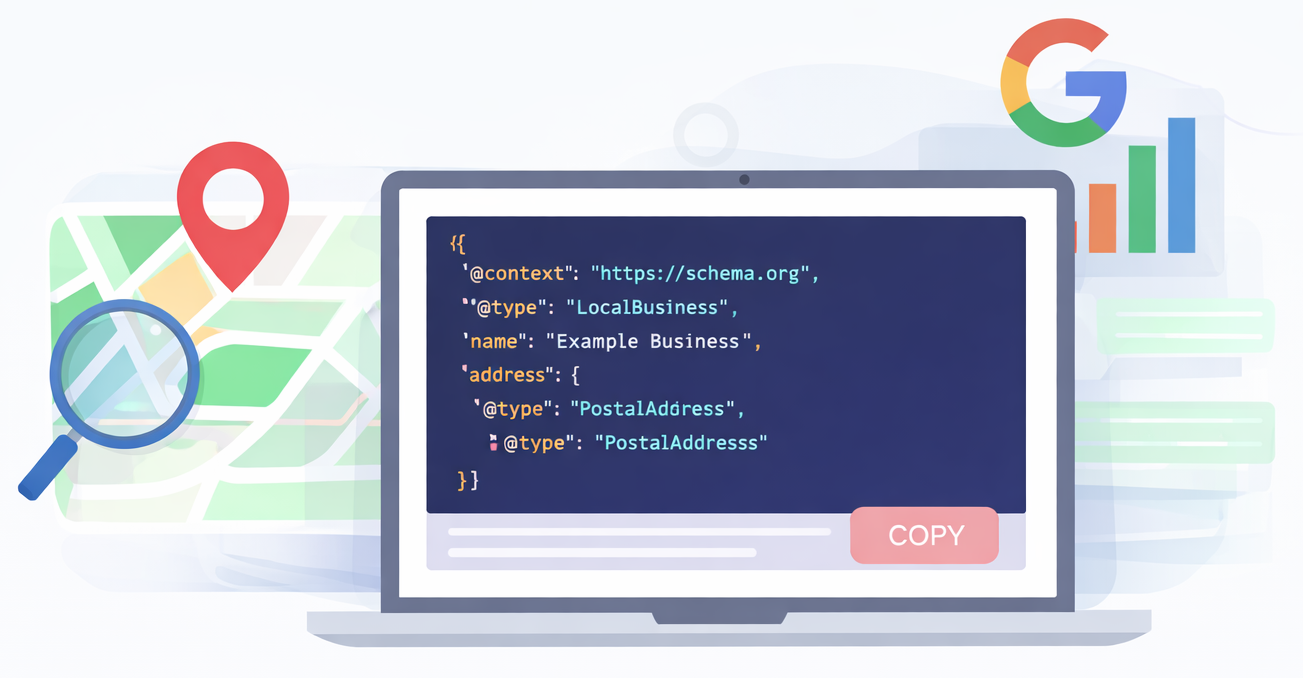
⚙️ Local Business Schema Markup Example
The JSON-LD code generated by our local business schema generator is built using real data from your Google listing. A typical output includes:
- Business name
- Website URL (if available)
- Google Maps listing link
- Full address (street, town/city, region, postcode, country)
- Latitude and longitude coordinates
- Telephone number (if available)
- Opening hours (if available)
- Google business categories (included as structured fields)
This gives you clean, copy-ready local business schema markup that can be added directly to your website.
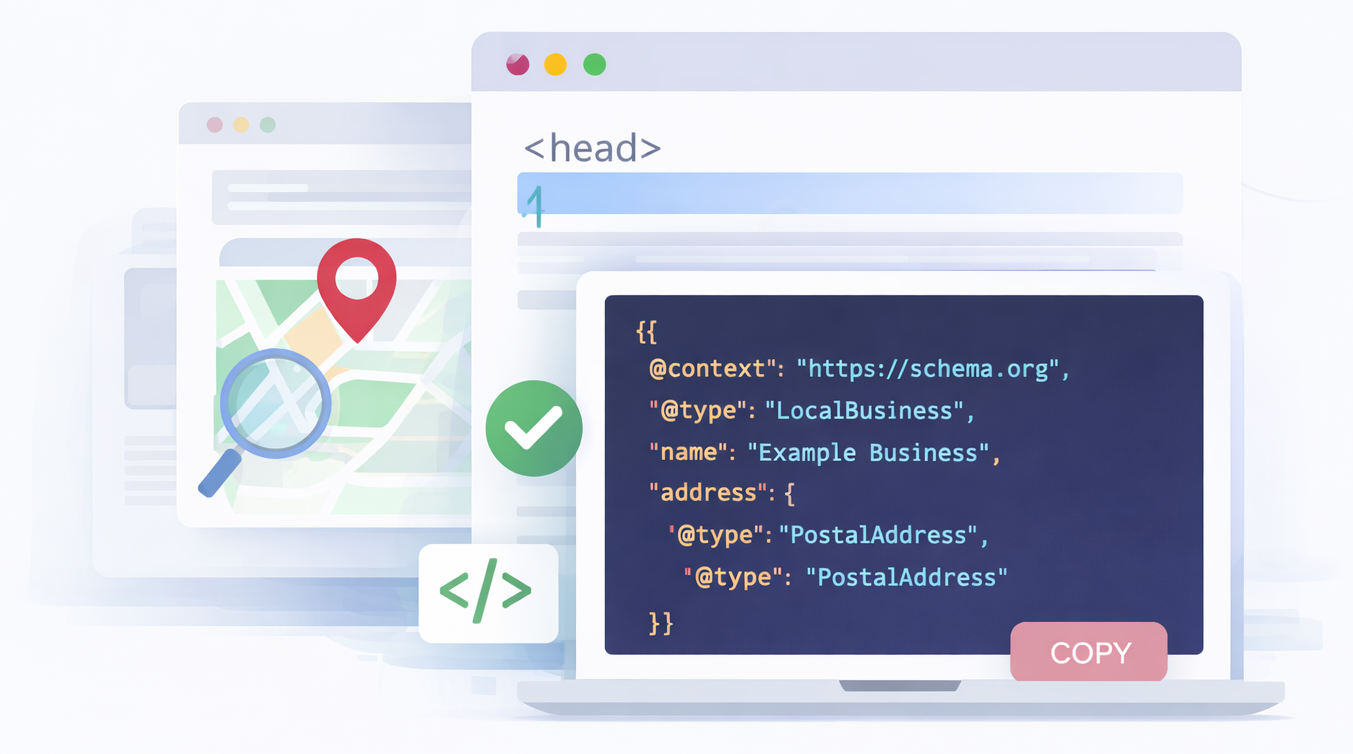
✅ How to Add Local Business Schema to Your Website
Once you’ve generated your local business schema code, you simply need to add it to your website as JSON-LD.
Most websites allow you to paste code into one of the following places:
- The page header (recommended)
- The site-wide header template
- A global custom code section (if your site builder supports it)
The key is making sure the JSON-LD schema is published on the page and visible to search engines when Google crawls your site.
You can then test with the Schema Markup Validator
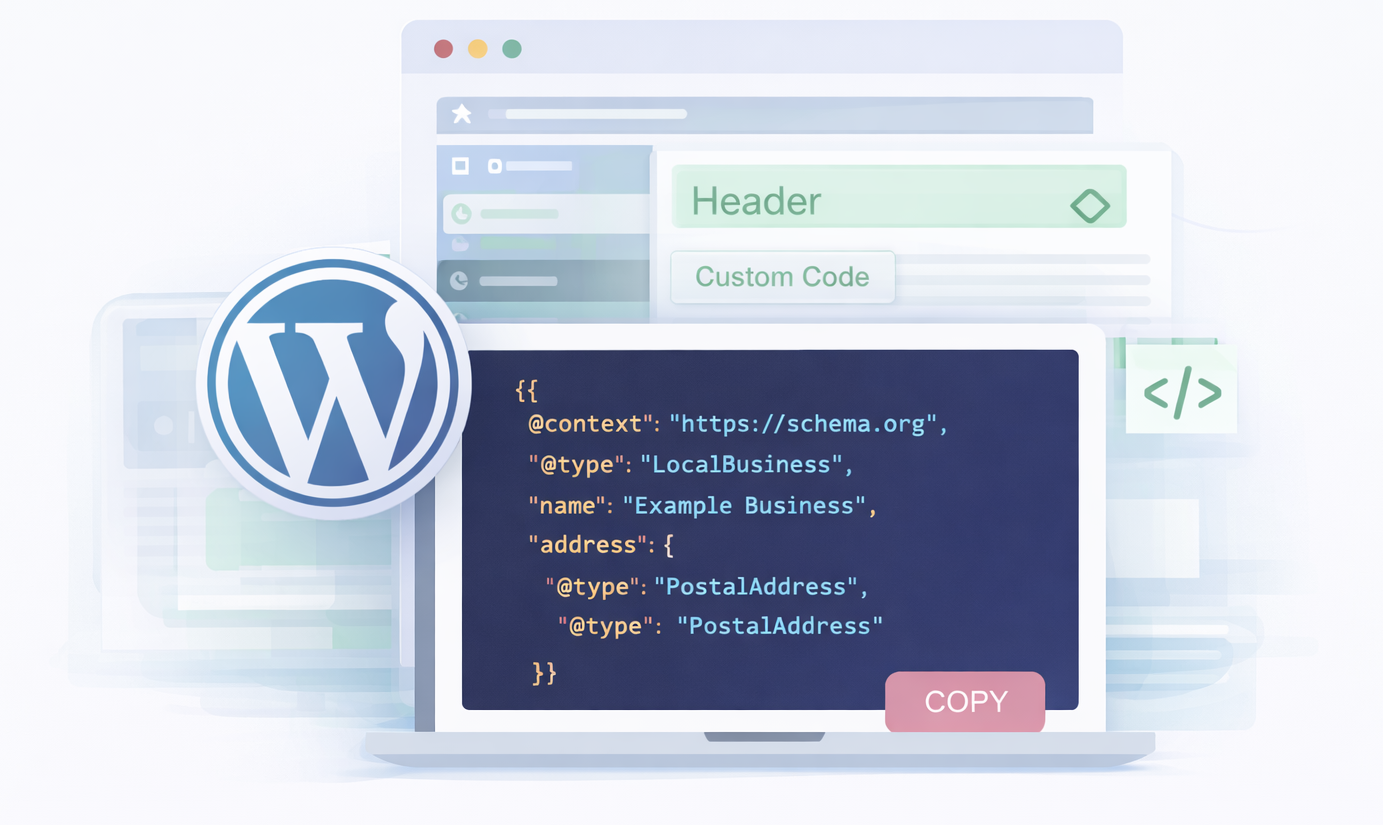
🆆 How to Add Local Business Schema to WordPress (JSON-LD)
If you use WordPress, you can add the localbusiness schema JSON-LD generated by this tool without needing to install any plugins.
The easiest options are:
- Paste the schema into your theme’s header file
- Add it via your theme’s custom code settings (if available)
- Insert it into the header using a code injection area in your builder
Once added, WordPress will output the LocalBusiness schema on your site exactly as generated, helping Google recognise your business information more accurately.
✦ Help centre
❓Frequently Asked Questions
You can implement local bsiness schema markup through Google Tag Manager by adding your JSON-LD as a Custom HTML tag. Paste the schema code into the tag, set the trigger to “All Pages” (or the page you want), and publish the container. This is a quick way to add schema markup for local business without editing your website files.
Local business schema (also written as localbusiness schema) is a type of structured data that helps Google understand the key information about your business. It’s often added to websites as JSON-LD schema markup, and it tells search engines exactly what your business is, where it’s located, and how customers can contact you.
If you’ve searched for what is local business schema or what is localbusiness schema, the simple answer is this: it’s a trusted way to provide Google with clear business details in a format it can easily read.
This is why it’s also commonly referred to as:
- local business schema markup
- schema markup for local business
- schema local business
- schema for local business
- google local business schema
- google schema local business
Using a local business schema generator (or localbusiness schema generator online) is the fastest way to generate accurate code without writing it manually — especially if you want schema that matches your Google Business Profile.
To add local business schema, generate your JSON-LD schema code (like the code created by our local business schema generator), then paste it into your website’s header or a global code section. Once it’s live on your site, Google can crawl it and use it to better understand your business entity.
o add local business schema to WordPress, you can paste the JSON-LD code into your theme header, a custom code area, or a site-wide header template — depending on your theme or builder. No extra plugins are required as long as the schema is published on the page in valid JSON-LD format.
The best place to add schema for local business is in the <head> section of your website, either globally or on your main contact/location page. The most important thing is that the JSON-LD code is included on a page that represents your business and can be crawled by Google.
In most cases, local business schema should be placed on your homepage and/or your main contact/location page. It doesn’t always need to be on every page, especially if you have multiple locations or service-area pages. However, it can be added site-wide as long as it remains accurate and doesn’t conflict with other schema types.