How to Add Business to Google Maps: how to add business to google maps for local
Getting your business onto Google Maps is simpler than you might think. The whole process boils down to creating or claiming your free Google Business Profile, running through a quick verification, and then fleshing out your details. It’s a small effort for a huge reward: visibility to millions of potential customers searching in your area.
Why Your Business Needs to Be on Google Maps
Your Google Business Profile (or GBP) is essentially your digital front door. Long before someone visits your website or walks into your shop, they've likely already met you through your Google listing. When a potential customer searches for "cafe near me" or "plumber in Manchester," the results popping up on the map are all powered by these profiles.
But it’s about more than just being found. It's about giving customers the right information at the exact moment they need it. A well-maintained profile is your chance to answer their questions before they even ask.
- Opening hours: Nothing frustrates a potential customer more than a wasted journey.
- Phone number: Lets them call you instantly to ask a question or book an appointment.
- Customer reviews: This is your modern-day word-of-mouth, building trust and helping people choose you over a competitor.
- Photos and services: You get to show off your space, your products, and your work, setting the right expectations from the start.
This kind of visibility is the cornerstone of what we call local search optimisation. It’s how you show up in those crucial "I-need-it-now" moments.
The Impact on Your Bottom Line
For any UK business, a Google Business Profile isn't just a nice-to-have; it's a primary channel for discovery. The numbers don't lie. Businesses with fully optimised profiles get up to 70% more location requests and 42% more taps on the 'directions' button than businesses with incomplete listings. In a competitive high street environment, that difference translates directly into more foot traffic and more sales. You can dive into the full data over at SQ Magazine's breakdown of Google Maps statistics.
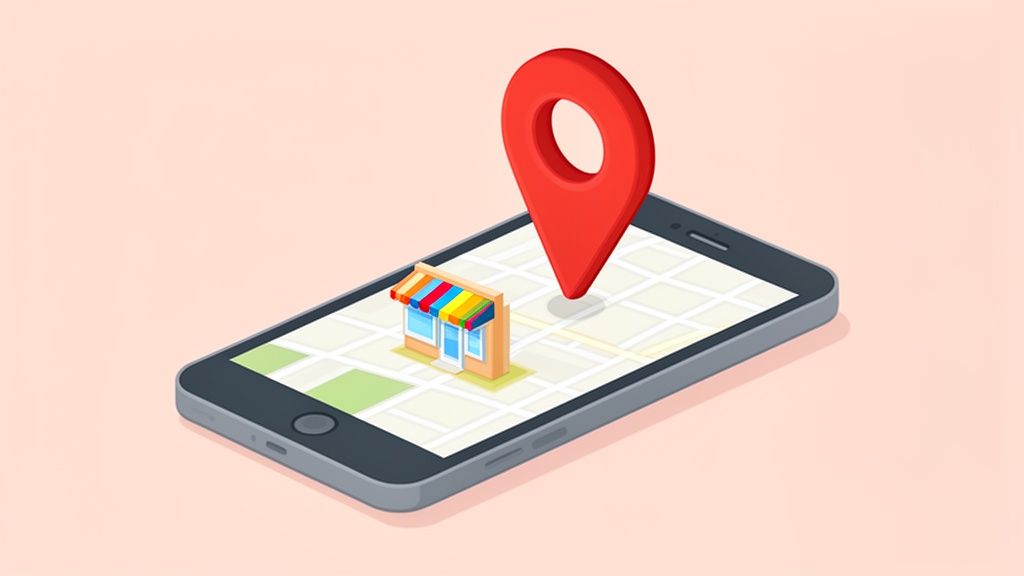
The image below perfectly illustrates a typical 'near me' search, showing how local businesses are presented right there on the map interface.
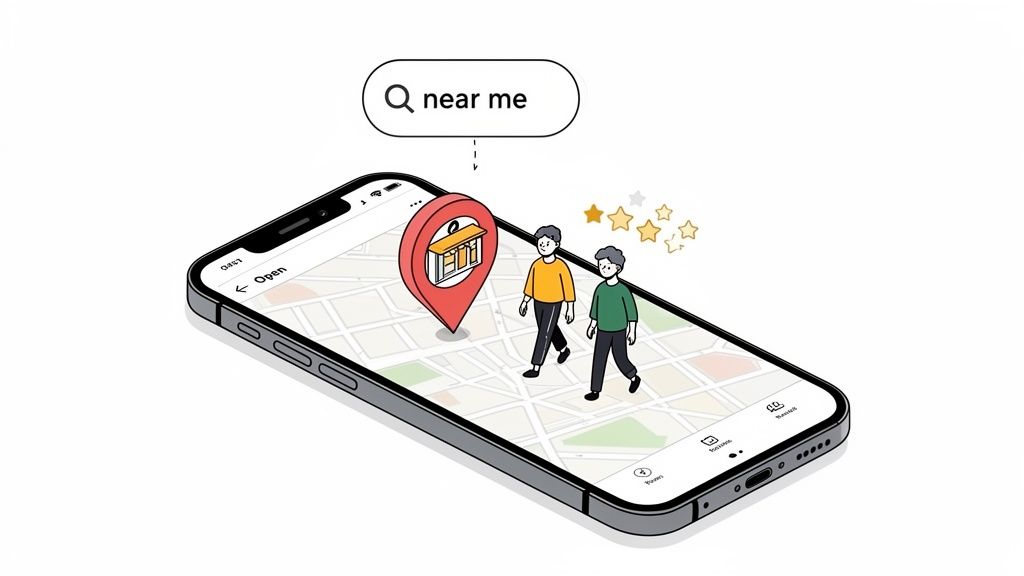
This is precisely why getting your business on Google Maps has moved from being a good idea to an absolute essential. Every call, direction request, or website click that comes from your profile is a tangible return on the small investment of time it takes to get it right.
Right, let's get you set up on Google Maps. The first stop is Google's own Business Profile Manager. This is where you'll either create your business profile from the ground up or, in some cases, claim one that Google might have already put together based on public data.
Just type in your business name. If a profile already exists, Google will prompt you to claim it and prove you're the owner. If nothing comes up, fantastic – you get to build a fresh listing from scratch.
Choosing Your Business Category
This is a big one. Seriously, don't rush it. Your primary category is the main signal you send to Google about what your business is. It directly impacts which customer searches you show up for. You need to think like a customer here: what are they actually typing into that search bar?
For example, simply choosing "Plumber" is okay, but it's a bit broad. If your bread and butter is fixing burst pipes at 2 AM, selecting "Emergency Plumbing Service" as your primary category is infinitely better. It helps you connect with the right customer, right when they need you most.
You can always add more categories later, but your primary one packs the biggest punch. A coffee shop that also bakes amazing croissants should be a "Cafe" first and a "Patisserie" second, not the other way around. Be precise.
Defining Your Location or Service Area
Next up, Google needs to know where you do business. This is a crucial fork in the road, and the right path depends entirely on how you operate. You've got two choices.
-
Physical Address: Perfect for businesses with a physical storefront that customers visit. Think retail shops, restaurants, or salons. You’ll pop in your full street address, and it will appear publicly on the map for everyone to see.
-
Service Area: This is for businesses that go to the customer. We're talking mobile dog groomers, plumbers, and cleaning services. You'll still need to provide an address for Google to verify you're a real business, but you must select the option to hide it from the public.
Once your address is hidden, you'll define your service area by entering the postcodes, cities, or regions you cover. This tells Google to show your profile to potential customers in those specific locations, even though you don't have a public-facing shop there.
Key Takeaway: Choosing between a storefront and a service area is fundamental. Getting this wrong from the start can confuse customers and tank your local search visibility. A boutique must show its address; a mobile car valeter must hide it.
Nailing this initial setup creates the bedrock of your profile. It might seem like basic stuff, but getting these details right is the foundation for everything else. For businesses with dozens of locations, keeping this information consistent everywhere is a huge headache. This is where expert Google Business Profile management can be a lifesaver, automating the process to prevent mistakes and save a ton of time.
With these first steps out of the way, you’re ready for the all-important next stage: verification.
Getting Your Business Verified by Google
Think of verification as the final handshake with Google. It's the moment you prove your business is real, it’s where you say it is, and you’re the legitimate owner. This is absolutely critical for building trust, not just with Google’s algorithm, but with every potential customer who finds you.
Until you complete this step, your business simply won’t show up on the map.
Google has a few different ways to get this done, and the options you’re offered depend entirely on your business type, location, and what Google might already know about you. Here's the catch: you don't get to pick your preferred method. Google decides which options are available, so it pays to be prepared for any of them.
The setup process itself is what leads you to this verification crossroads. You'll start with the basics, which directly influence how Google asks you to verify.
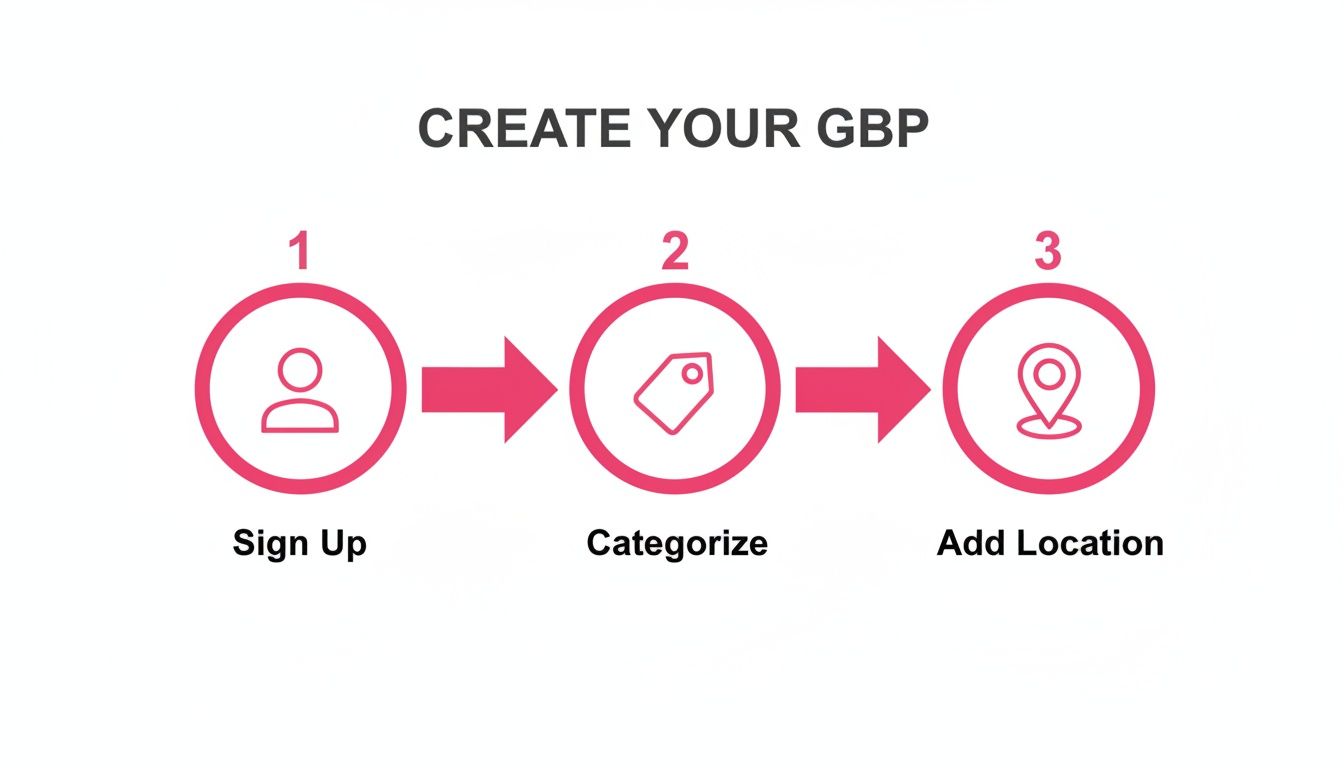
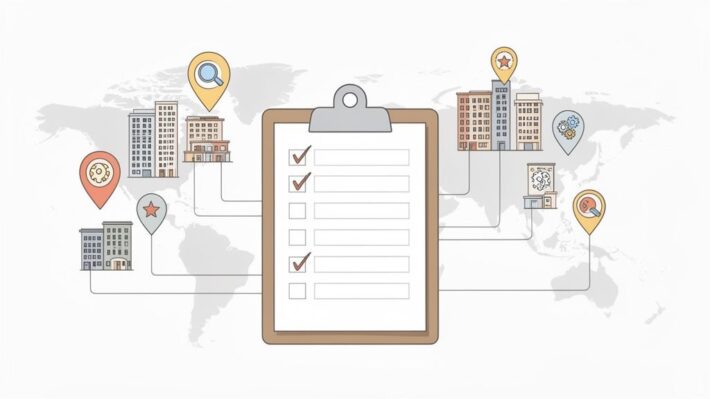
As you can see, signing up, choosing the right category, and setting your location are the foundational pieces. Get these right, and the verification process becomes much smoother.
What to Expect During Verification
Let’s run through the most common methods you're likely to encounter. Each one is designed to confirm a different piece of your business's puzzle.
-
Postcard by Mail: This is the old-school, classic method. Google mails a postcard with a unique code to your registered business address. In the UK, you should expect it to arrive within 14 days. My biggest piece of advice here is simple but crucial: do not edit your profile while you wait. Changing your business name, address, or even your primary category can cancel the request, forcing you to start the whole frustrating process over again.
-
Phone or Email: This is much faster and is often offered to more established businesses that Google already has some trust in. You'll get an automated call to your business phone number or an email to an address on your business domain (like
contact@yourcompany.co.uk) with a verification code. -
Video Recording or Live Call: This method is becoming increasingly common, especially for service-area businesses that don’t have a physical storefront customers can visit. You'll need to either record a video following specific instructions or join a live video call with a Google representative to show them proof that your business is legitimate.
My Pro Tip: Always be ready for a video verification. Don't get caught scrambling for documents at the last minute. Having everything you need on hand can be the difference between getting verified in ten minutes and waiting weeks for another shot.
Comparing Google Business Profile Verification Methods
Understanding the options helps you prepare for whatever Google throws your way. Each method has its own timeline and is better suited for certain types of businesses. Here’s a quick breakdown of what to expect for UK businesses.
| Verification Method | How It Works | Typical Timeline | Best For |
|---|---|---|---|
| Postcard by Mail | Google sends a physical postcard with a 5-digit code to your business address. You enter the code online to verify. | Up to 14 days | New businesses or those at physical locations that Google can’t verify through other means. The default for many. |
| Phone Call | An automated call is made to your listed business phone number, which provides a verification code. | Instant | Established businesses with a trusted phone number that Google has already indexed. |
A verification code is sent to an email address at your business domain (e.g., info@yourbusiness.co.uk). |
Instant | Businesses with a professional website and domain that matches their GBP information. | |
| Video Call/Recording | You record a short video showing your location, equipment, and proof of business, or do so on a live call with a rep. | 1-2 days (review) | Service-area businesses (plumbers, electricians), home-based businesses, or any profile needing extra proof. |
While you can't choose your method, being prepared for the most likely options based on your business type will significantly speed things up. For businesses with a physical location, the postcard is still very common, whereas service-based operators should have their video-call proofs ready to go.
How to Ace a Video Verification
If Google asks for a video call or recording, think of it as a quick, virtual inspection. Your mission is to prove three things: you exist, you’re at the location you claim, and you run the business you’ve listed.
To make sure it goes off without a hitch, have these items ready before you start:
-
Proof of Location: Be ready to show your current location on a map app, then physically show the exterior of your building, including any nearby street signs. If you operate from home, you'll need to show your dedicated workspace or office area.
-
Proof of Business: This is the official stuff. Have your business registration documents, a business licence, or a recent utility bill in the business's name ready to show the camera.
-
Proof of Operation: Now you prove you actually do the work. Show the tools of your trade, any branded equipment, or a company vehicle with your logo on it. For a shop, this could be your storefront, your till, and your stockroom.
Getting through verification is a major hurdle, especially for businesses with multiple locations. This is where a platform like LocalHQ can be a massive help. They often have access to faster, more direct verification methods and can manage the entire process across hundreds of profiles at once. This removes the administrative headache and ensures all your locations are verified consistently and quickly, getting you in front of customers much faster.
Optimising Your Profile to Attract More Customers
Just getting your business on the map is one thing; making it stand out is another. Once you’re verified, the real work begins. This is when you transform that basic listing into a magnet for new customers, moving from simple setup to smart optimisation. It’s all about the details that persuade someone to choose you over the competitor just down the street.
Your goal should be to build a rich, informative, and visually engaging profile that quickly answers questions, builds trust, and makes it easy for people to take the next step. Think of it as making your business the most helpful and compelling result for anyone searching nearby.
Bring Your Business to Life with High-Quality Photos
Long before a potential customer reads a single word of your description, they’ll see your photos. Visuals are your best first impression, and a profile packed with great images just feels more legitimate and inviting. The numbers back this up: businesses with photos get 42% more requests for driving directions and 35% more clicks through to their websites.
So, don't just stop at a single photo of your front door. You need to show people the entire experience.
- Exterior Shots: Get a few clear photos of your storefront from different angles and at different times of the day. This helps people recognise your business when they arrive.
- Interior Photos: Show off your vibe. Is it a clean and organised workshop? A cosy cafe with comfortable seating? A professional and welcoming reception area? Let people see what it’s like inside.
- Product & Service Photos: If you sell products, get some professional-looking shots. If you offer a service, show your team in action—a chef carefully plating a dish, a mechanic working on a car, or a florist arranging a beautiful bouquet.
- Team Photos: Putting a face to the business name builds a personal connection and fosters a sense of trust before they even walk in.
Craft a Compelling Business Description
Think of your business description as prime real estate. You have 750 characters to tell potential customers who you are, what you offer, and why they should choose you. Ditch the generic fluff and get straight to what makes you unique. What problem do you solve for your customers?
Be sure to weave in the keywords your ideal customers are searching for. If you run a bakery, that means including terms like "sourdough bread," "vegan cakes," or "freshly brewed coffee." This helps Google understand exactly what you do and show your profile in more relevant searches. For a more detailed walkthrough, check out our guide on writing an effective Google Business description that actually converts.
Key Insight: Your Google Business Profile isn't a static directory listing. Treat it like a dynamic social media profile. The more active you are, the more signals you send to Google that your business is relevant and operational, which directly influences your local search ranking.
Use Google's Features to Engage Customers
Your profile is loaded with features designed for active engagement. Using them consistently can give your visibility a serious boost.
Google Posts are essentially mini-adverts that appear right on your profile. They’re perfect for:
- Announcing a special offer or seasonal sale.
- Highlighting a new product or service.
- Sharing news about an upcoming event.
- Showcasing a recent five-star review.
Posts typically expire after seven days (event posts are an exception), so posting regularly is key to keeping your profile looking fresh and active.
The Q&A section is another powerful tool that often gets overlooked. Customers can ask questions directly on your profile, and anyone can answer them. The trick here is to get ahead of the game. Brainstorm a list of your most frequently asked questions—about parking, accessibility, or specific services—and then post both the questions and the answers yourself. This lets you control the narrative and provide crucial information upfront, making life easier for everyone.
Managing Multiple Locations Without the Headaches
Anyone who has managed a single Google Business Profile knows it's pretty straightforward. But what happens when you're responsible for ten? Fifty? Or even a hundred?
For franchises, marketing agencies, and brands with a national footprint, the job quickly turns into a logistical nightmare. You're left drowning in inconsistent data and wasting hours on mind-numbing manual updates.
Imagine it's the week before Christmas, and you need to update the holiday hours for all twenty of your retail shops. By the time you’ve painstakingly logged into and updated each one, head office announces a New Year's promotion, and you have to start all over again. This isn't just tedious work; it's a genuine threat to your brand’s reputation and local search performance.
The Scaling Problem in Local SEO
Inconsistent business names, wrong phone numbers, and out-of-date opening times don't just create a confusing experience for your customers. They send mixed signals to Google's algorithm. This confusion can seriously harm your rankings and even cause rogue duplicate listings to appear, which only dilutes your authority further.
This is the central challenge of scaling your local search efforts. A process that works perfectly for one location becomes completely unmanageable across a regional or national network.
Manually updating each profile is like trying to fill a swimming pool with a teacup. It’s exhausting, inefficient, and you’ll never keep up with the leaks—in this case, the constant flow of data changes, customer reviews, and new photos needed to stay competitive.
A Smarter Way to Sync Your Locations
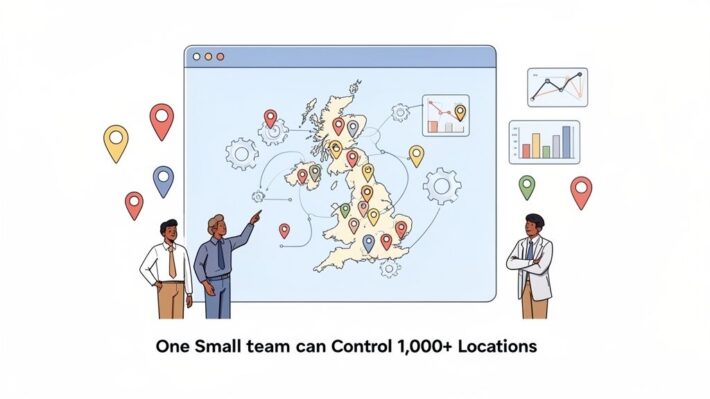
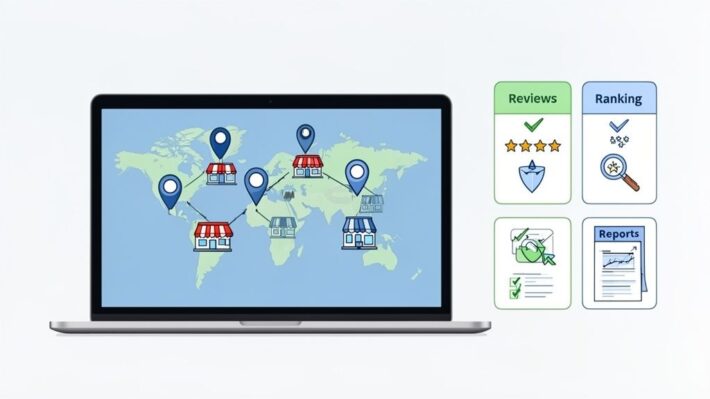
This is precisely where automation tools become a necessity, not a luxury. Instead of fighting with each profile individually, a centralised platform like LocalHQ lets you manage everything from a single dashboard. Think of it as your command centre for your entire local presence.
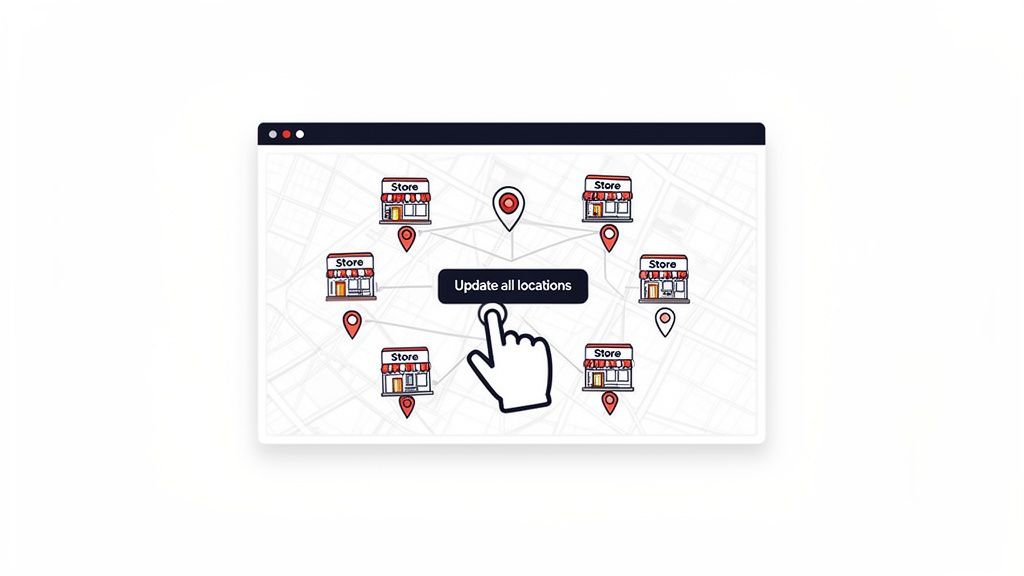
You can make a single change—like tweaking your business description or adding a new seasonal service—and instantly push it out to every single location. This guarantees absolute consistency across the board, which is a massive ranking factor for Google.
- Update in Bulk: Change opening hours, services, or photos across all your profiles with just a few clicks.
- Maintain Brand Consistency: Ensure every location has the same professional, on-brand information, every time.
- Eliminate Costly Errors: Automation gets rid of the human errors that inevitably creep in with manual data entry.
The sheer volume of data makes doing this by hand impractical. With over 1.2 million businesses being added to Google Maps globally each month, the digital noise is immense. The payoff for getting it right is huge; UK businesses with consistent directory listings see 73% more website visits than those with scattered profiles. That's a compelling reason to make data accuracy a top priority.
You can dive deeper into these trends in this detailed report on Google Business Profile statistics. By using an AI-powered tool, you transform a chaotic, time-sucking task into a streamlined, strategic advantage, ensuring every single one of your locations puts its best foot forward.
Got Questions About Your Google Maps Listing?
Getting your business onto Google Maps is a huge win, but it's not uncommon to hit a few snags or have questions crop up along the way. Let's walk through some of the most common queries I hear from business owners so you can navigate the process like a pro.
How Long Until My Business Is Live on the Map?
This is the big one everyone asks. Once you've completed that final verification step, you can expect to see your business pop up on Google Maps within a few hours, though sometimes it can take a couple of days.
The real waiting game is often the verification itself. If you're waiting on a postcard from Google, it can take up to 14 days to arrive here in the UK.
Here's a crucial piece of advice I always give: Whatever you do, don't change your business name, address, or primary category while you're waiting for that postcard. Any tweaks can reset the entire verification process, and you'll be right back at square one.
Can I Get on Google Maps if I Don’t Have a Shop?
Absolutely, and this is a really common scenario. Google calls these "Service-Area Businesses," and the setup is designed for mobile operations like plumbers, cleaners, or consultants.
When you're creating your profile, you'll still need to enter a real address for Google's verification purposes, but you'll select the option to keep it hidden from the public.
Instead of a pin on a map, you'll define your service area by listing the specific postcodes, towns, or regions you operate in. This way, your business still appears in search results when potential customers in those locations are looking for what you offer. You might also want to look into rank tracking for local keywords to monitor how well you're showing up across your different service areas.
My Google Business Profile Was Suspended – What Now?
Seeing that suspension notice can definitely cause a panic, but it’s usually fixable. The first thing you need to do is take a deep breath and carefully review Google's official guidelines to figure out what went wrong.
I've found the most common reasons for suspension are:
- Keyword stuffing the business name. Think "Dave's Decorating – Best Painter and Decorator in Manchester." Just stick to your registered business name.
- Using a P.O. Box or a virtual office address, which Google's guidelines strictly forbid.
- Creating multiple profiles for the same business at the same location.
Once you’ve identified and fixed the problem on your end, you can submit a reinstatement request through your GBP dashboard. Be prepared to prove you're a legitimate business. Having photos of your van, business registration documents, or a utility bill ready to go can make the process much smoother.
Keeping on top of all these details and optimising for local search can feel like a full-time job in itself. LocalHQ uses AI to handle the heavy lifting by automating updates and scheduling posts, giving you insights to keep your profile consistent and competitive. See how you can manage your local presence more effectively at https://localhq.io.