10 Most Popular SEO Tools for UK Businesses in 2026
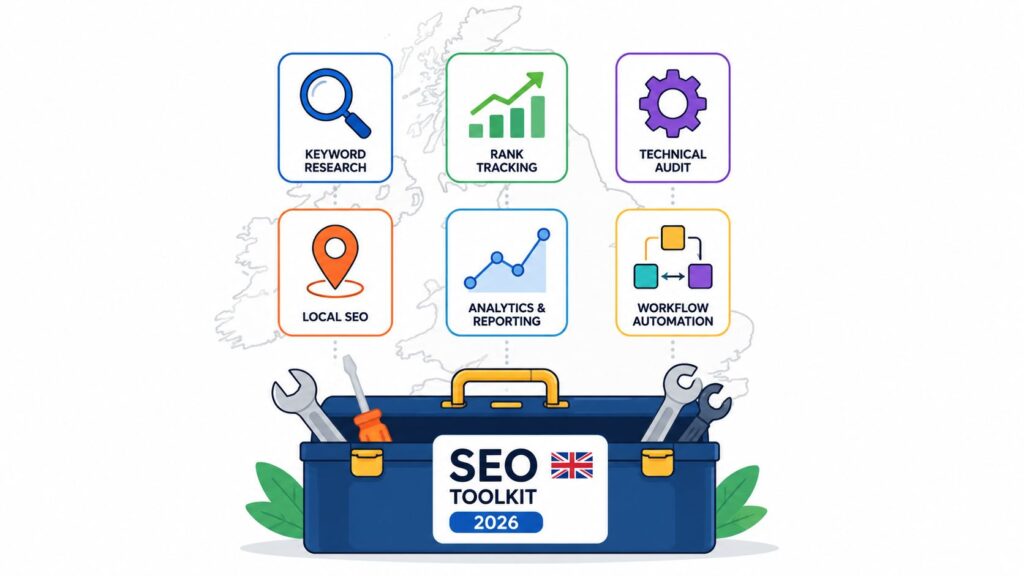
Choosing Your SEO Toolkit: A 2026 Guide for UK Businesses
Navigating search engine optimisation tools can get messy fast. Every platform promises better rankings, cleaner audits, smarter reporting, and less manual work. In practice, many organizations don't need everything. They need the right stack for their business model, budget, and workflow.
That matters even more in the UK, where local search can make or break visibility. Research highlighted by DubSEO notes that 46% of monthly Google searches have local intent, which is exactly why local rank tracking, citation management, and Google Business Profile workflows can't be treated as side tasks. If you're still trying to run local SEO from a generic global dashboard, you're probably missing what drives enquiries.
This guide gets to the point. These are the most popular SEO tools worth considering for UK businesses in 2026, split into all-in-one suites, specialist platforms, and free essentials. If you want a broader view before settling on a stack, this roundup of find the right search optimization tools is also useful for comparison.
The key difference here is practical fit. Some tools are brilliant for agencies. Some are better for single-location firms. Others are essential because they're free and first-party. The goal isn't to buy more software. It's to choose tools you will use.
All-in-One Suites
1. LocalHQ
Google dominates local intent. For UK businesses, that means small gaps in profile quality, review handling, or postcode-level visibility can cost enquiries faster than a weak blog content plan ever will.
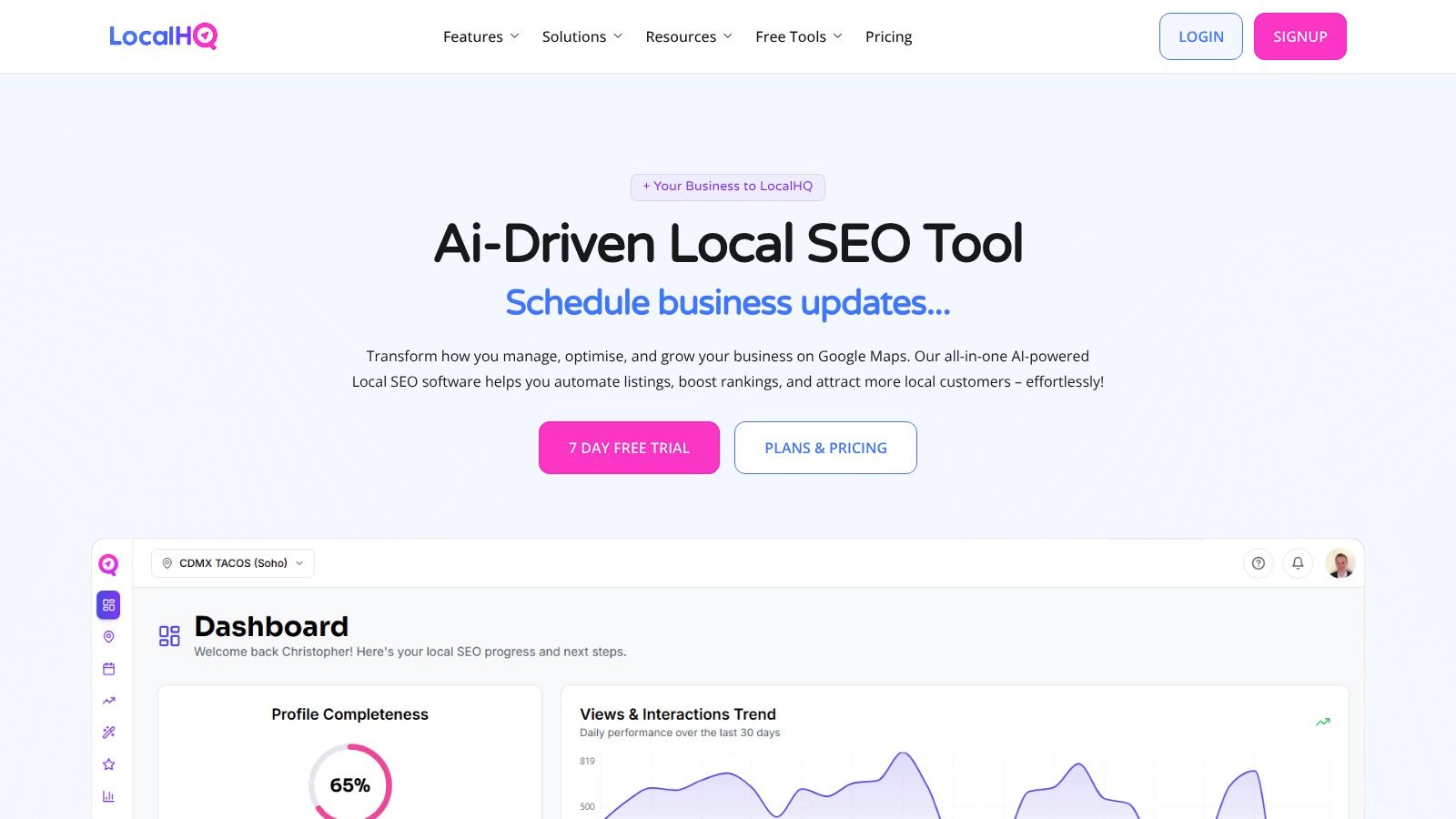
LocalHQ earns its place in the All-in-One Suites category because it brings the daily local SEO workload into one system. For local businesses, multi-site operators, and agencies managing Google Business Profiles at scale, it covers the jobs that usually get split across spreadsheets, Google's native interface, reporting decks, and separate rank trackers.
The product focus is narrow in a good way. LocalHQ is built for local visibility on Google Search and Maps, with one dashboard for profile edits, scheduled posts, events, photos, videos, audits, citation ordering, geo-grid rank tracking, review responses, and reporting. If the goal is to improve map pack performance and keep listings active across multiple locations, that focus matters.
Best for UK SMBs, multi-location brands, and local SEO agencies
This works particularly well in the UK because local ranking often breaks down at a more granular level than broad SEO suites handle well. One comparison of small business SEO tools points to a UK-specific gap around geo-grid visibility and postcode-level coverage, especially for agencies forced to patch together several platforms across 27,000 UK postcodes. LocalHQ is designed to simplify this exact complexity.
Practical rule: If leads depend on map visibility, judge the platform by execution speed. How fast can your team fix weak categories, improve profile completeness, respond to reviews, and find the areas where rankings drop?
The AI Optimisation Wizard is one of the stronger features because it gives teams a starting point for category, keyword, and content updates based on competitor benchmarks. That matters in practice. Junior account managers often know something is underperforming, but not which edits are most likely to move visibility first.
The Review Autoresponder is also useful. Review management is usually the first task to slip when teams are busy, and LocalHQ automates routine tasks without removing editorial control entirely.
What works and what doesn't
What works well:
- Built for local operations: Listings, posts, media, audits, rankings, and reports sit in one workflow.
- Good fit for agencies: White-label reporting and multi-listing management reduce admin time across client accounts.
- Clear pricing: Plans start at £29 per month for a single listing, then £49 per month for multiple listings and £119 per month for agency use, with a free trial available.
- Useful automation: Scheduled content and review response tools save time on repeatable work.
Where it's narrower:
- Google-first scope: Teams that also need technical SEO, content research, paid media data, and link analysis will still need other tools.
- Best value comes from local volume: Single-site firms can still use it, but the return is much stronger once you manage several locations or client profiles.
- Some upcoming features are not the buying reason today: Product Manager, bolt-on SEO, and managed services may add value later, but local search execution is the current reason to choose it.
Best For: UK SMBs, franchise groups, and agencies that need a practical local SEO workflow instead of a broad platform with local features added on later.
2. Semrush
Semrush is the broadest platform on this list. If you want one login for keyword research, competitor analysis, site auditing, rank tracking, content support, and wider digital marketing workflows, it's usually the tool people settle on.
That popularity isn't accidental. A UK-focused comparison guide describes Semrush as the most extensive and widely adopted SEO suite in the United Kingdom, covering over 26.2 billion keywords. For teams handling multiple campaigns, that breadth matters because it means fewer gaps between research, monitoring, and reporting.
Best for agencies and in-house teams that need breadth
Semrush is strongest when one team needs to handle several disciplines without buying separate platforms for each one. Its local SEO modules, position tracking, competitor research, and content scoring all sit in the same environment, so it suits agencies and in-house marketers who prefer centralisation over specialist depth.
One feature worth calling out is Copilot AI. In practical terms, prioritised daily recommendations help reduce tool bloat inside the tool itself. That sounds odd, but it's a real issue. Big suites often create so much data that teams stall. Semrush is at its best when it tells you what to fix first.
Semrush is rarely the cheapest option, but it can be the cheapest stack if it replaces multiple separate subscriptions.
The main trade-off is complexity. New users often underuse it because the platform does a lot, and some modules or add-ons require checking what's included on your plan. Pricing also starts at £110 per month in the UK, so smaller firms need to be honest about whether they'll use enough of the suite to justify it.
If your business needs one of the most popular SEO tools for broad campaign management, Semrush is still one of the safest choices.
Visit Semrush.
3. Ahrefs
Ahrefs is one of the few all-in-one suites I still open first for research. If the brief is to work out why a competitor is winning, where the link gap sits, or which topics are realistically worth targeting, it gets to useful answers fast.
That speed matters for agencies and lean in-house teams. Ahrefs keeps the workflow tight: Site Explorer for competitor pages and links, Keywords Explorer for opportunity sizing, Content Explorer for content patterns, then Rank Tracker and Site Audit to monitor what happens after changes go live. For UK SMBs, that makes it a strong fit when the main SEO problem is not local pack visibility but organic competition in standard search results.
Best for agencies and multi-location brands that need sharp research
Ahrefs is strongest in competitor analysis and backlink work. I use it most when a team needs to validate demand, check who owns the SERP, and build a list of pages worth improving before spending time on content production. The interface is also more focused than some broader suites, which helps when several people need answers quickly without clicking through five separate modules first.
What it does well:
- Competitor gap analysis: You can spot terms competitors rank for that your site has not covered or has covered poorly.
- Backlink research: Site Explorer remains one of the better tools for checking link quality, new referring domains, and pages attracting links in a niche.
- Content validation: Content Explorer is useful for finding subjects that already earn links and traffic, not just keyword ideas in isolation.
- Historical context: Trend views help you judge whether a gain looks durable or whether a rival had a short-lived spike.
The trade-off is coverage. Ahrefs is a strong research suite, but it is less complete for local SEO operations than platforms built around listings, map pack tracking, and citation management. A multi-location brand can still use it for page-level strategy and competitor discovery, though it will usually need another tool for postcode-level reporting and Google Business Profile monitoring.
Price is the other constraint. The entry plan is listed at £129 per month, so I would not put it at the top of the list for every small business. It makes more sense when research drives revenue decisions, such as agencies pitching against entrenched competitors or brands managing several locations with overlapping service pages.
If you want to pressure-test the value before committing, it helps to compare SEO analysis tools and check whether you need Ahrefs for daily use or for periodic research sprints.
Visit Ahrefs.
4. Moz Pro
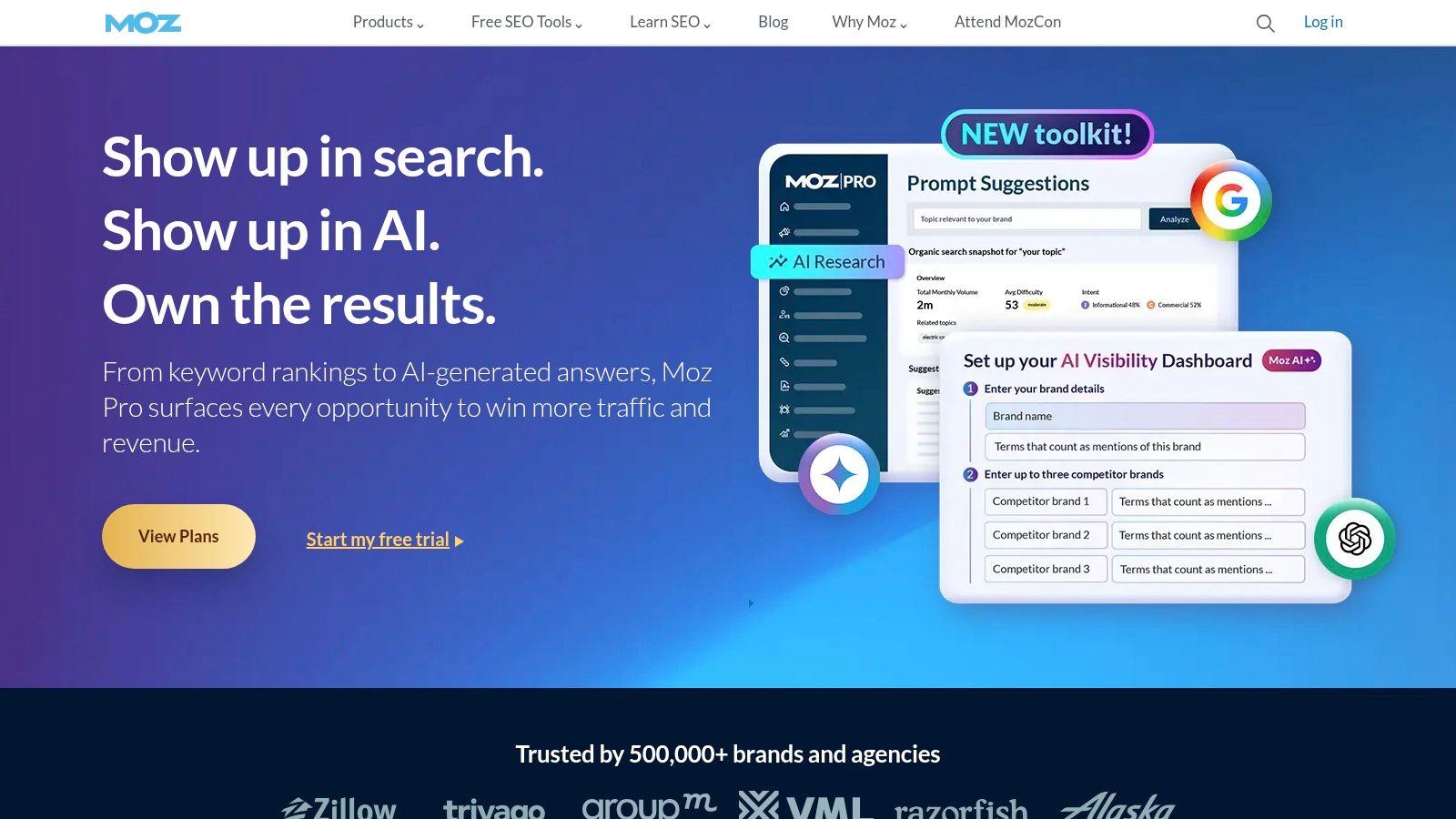
Moz Pro is the veteran tool in this group. It doesn't usually win on sheer feature volume, but it still wins a lot of buyers because it's easier to learn than larger suites and its authority metrics remain familiar to marketers, clients, and stakeholders.
That matters more than people admit. A tool can be powerful and still become shelfware if the team avoids it. Moz Pro's interface is more approachable, and its educational content has long been one of its strengths.
Best for SMBs that want a gentler learning curve
Moz Pro works well for small businesses, marketing generalists, and teams that need a reliable all-round SEO platform without the density of Semrush or the research-heavy feel of Ahrefs. You get keyword research, SERP analysis, site crawls, rank tracking, link analysis, and reporting in a package that doesn't overwhelm as quickly.
What I like:
- Straightforward onboarding: Good for teams that don't have a dedicated SEO specialist.
- Recognisable metrics: Domain Authority and related measures still help in client communication.
- Balanced toolkit: Enough range for most SMB workflows.
What I'd watch:
- Less depth in advanced workflows: Bigger suites offer more room for power users.
- Plan details can shift: Always check the current tier features before buying.
Moz Pro is one of those tools that stays popular because it's practical. It may not be the flashiest option, but many businesses get further with a tool they understand than one packed with features they never touch.
Visit Moz Pro.
Specialist Platforms
5. Screaming Frog SEO Spider
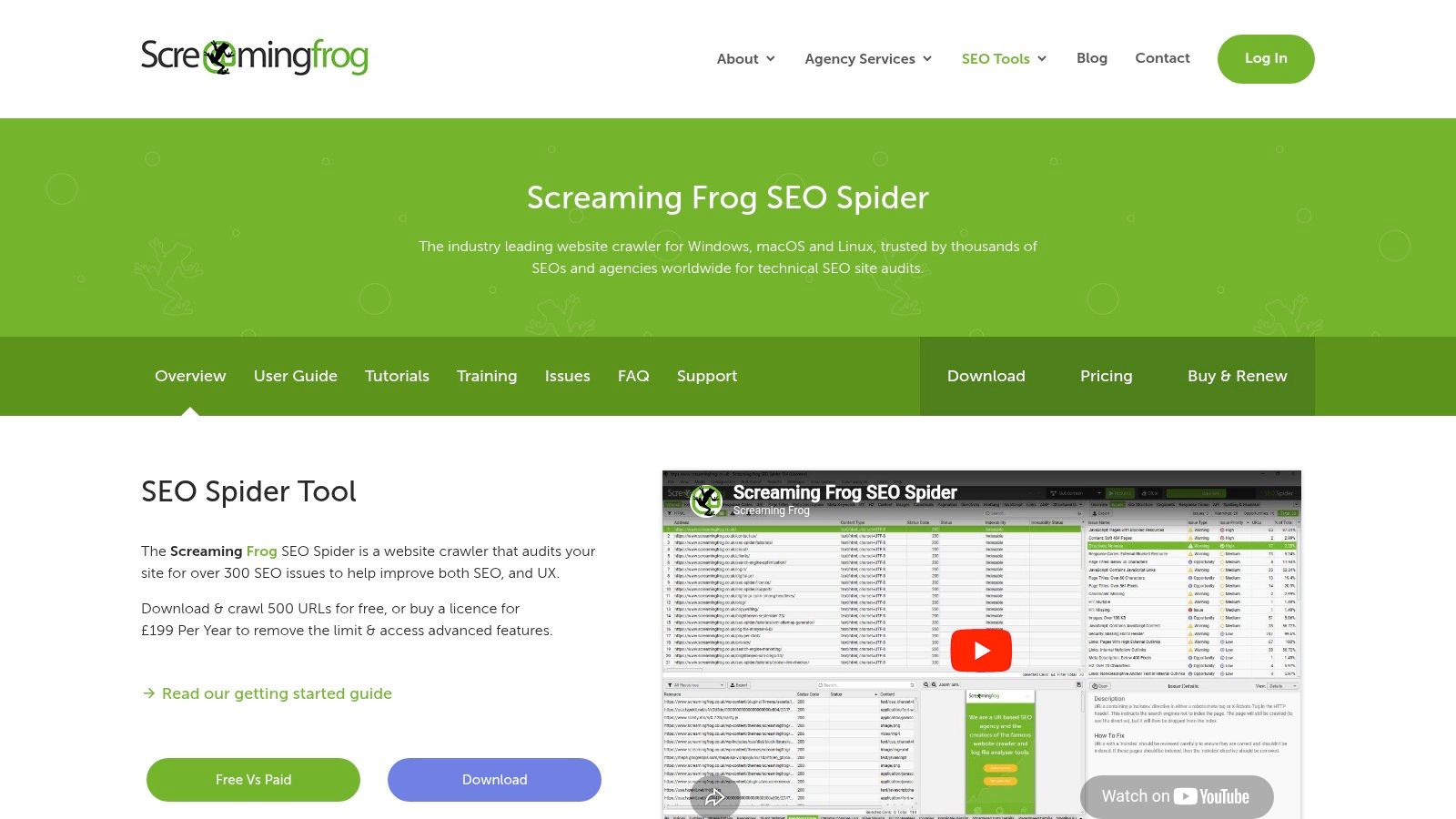
Screaming Frog is a specialist tool, not a general SEO suite. That's why it remains so widely used. When you need technical answers, broad dashboards won't save you. A proper crawler will.
For audits, migration checks, redirect reviews, indexation analysis, internal linking reviews, and structured data validation, Screaming Frog is still one of the most dependable options. It's desktop-based, fast, configurable, and trusted by agencies because it gets into the weeds without fluff.
Best for technical SEO and site health diagnostics
This is the tool for people who need to find what's broken, not just monitor rankings. It handles JavaScript rendering, custom extraction, structured-data checks, and integrations with Google Search Console, Google Analytics, and PageSpeed. It also supports AI API hooks, which can help with classification and workflow enrichment if you know what you're doing.
Field note: If your site has a crawling or indexing issue, don't start with a visibility dashboard. Crawl the site first. Most ranking losses begin with a technical cause someone missed.
Its biggest downside is also part of its appeal. It's desktop software. That means you're relying on your own machine for larger crawls, and very big jobs need decent hardware and a proper setup. It also has a learning curve. Beginners can use it, but they won't get the full value without understanding technical SEO fundamentals.
For agencies, consultants, and serious in-house teams, Screaming Frog often sits beside a larger suite rather than replacing one.
Visit Screaming Frog SEO Spider.
6. Google Search Console
Google Search Console is indispensable. Every website should have it connected, verified, and checked regularly. It gives you first-party visibility into queries, clicks, impressions, average position, indexation, and site issues directly from Google.
That first-party element is why it belongs on every serious list of the most popular SEO tools, even though it isn't a commercial platform. Paid tools estimate. Search Console reports what Google is surfacing for your site.
Best for every website owner
Search Console shines in three areas. It shows which queries are already generating impressions, it flags indexing issues before they become larger visibility problems, and it helps you inspect individual URLs when a page isn't behaving as expected.
The limitations are obvious, but manageable:
- No competitor data: It only tells you about your own property.
- Basic exports: Reporting is fine, but not as polished as paid platforms.
- Limited keyword context: You won't get the same research depth as a premium suite.
That's not a reason to skip it. It's a reason to pair it with something else. Search Console tells you what Google sees. Your paid tools help you decide what to do next.
Visit Google Search Console.
7. Google Business Profile
For local SEO, Google Business Profile is the base layer. You can buy every rank tracker and reporting tool on the market, but if the profile itself is weak, incomplete, or unmanaged, local visibility will stall.
Restaurants, trades, clinics, retailers, hotels, and service firms all depend on Google Search and Maps presentation. Google Business Profile gives you direct control over your listing, reviews, services, photos, updates, and core business information. It also supports multi-location management, which matters for franchises and regional brands.
Best for local discovery on Google Search and Maps
This is one of the few free tools that can directly affect whether a nearby customer sees you at all. For practical use, the most valuable actions are often the simplest: keeping opening hours accurate, publishing fresh posts, uploading relevant media, and responding to reviews consistently.
If you're handling local visibility yourself, this guide to a local business Google Profile guide is a useful companion to the platform.
The limitations are real. Eligibility rules apply, some features vary by category, and bulk management can become cumbersome without a supporting platform. That's why businesses with several locations often pair Google Business Profile with software such as LocalHQ or BrightLocal.
Visit Google Business Profile.
8. BrightLocal
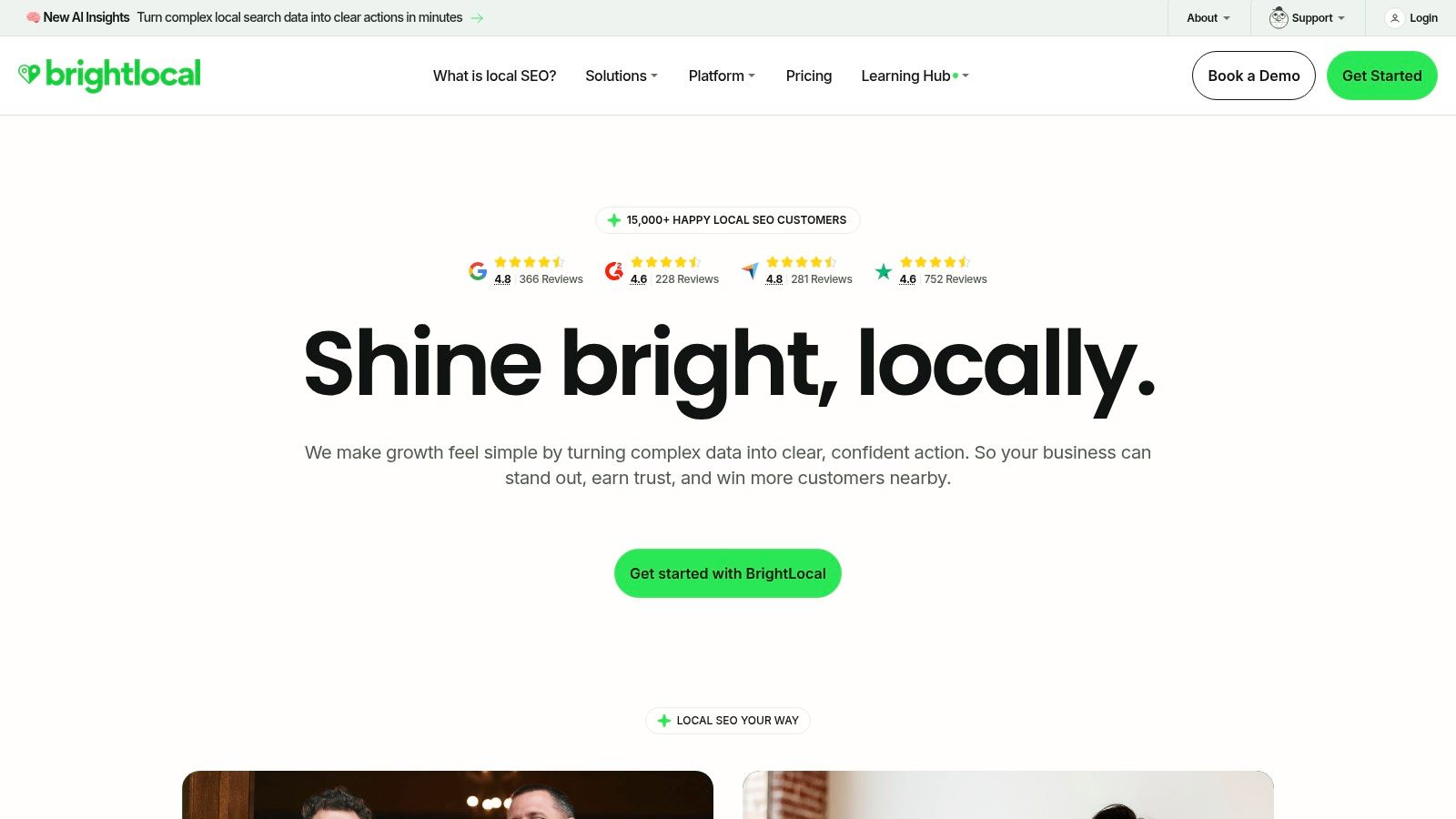
BrightLocal is built for local SEO work. It handles local rank tracking, Google Business Profile monitoring, audits, review workflows, citation activity, and reporting in a way that feels closer to agency reality than most broad suites.
Its popularity is well-earned. For location-based businesses and local SEO providers, BrightLocal solves practical operational problems without forcing you into an enterprise-style platform.
Best for agencies and SMBs focused on local rankings
BrightLocal's pricing structure is location-oriented, which suits local SEO teams better than generic per-seat or broad-suite pricing. Its reports are also built for client communication, not just internal analysis. That matters when you need to explain movement in local visibility to a non-technical stakeholder.
The trade-off is that BrightLocal can become part of a larger stack rather than the only stack. Citation services and some extras are billed separately, and if you also need serious backlink research or broader content planning, you'll still end up using other tools.
What it does well:
- Local rank tracking: Strong fit for town-level monitoring.
- GBP workflows: Helpful for auditing and profile oversight.
- Review management: Useful for service businesses and hospitality brands.
- Client reporting: One of its more practical strengths.
For local specialists, BrightLocal remains one of the safer buys because it knows what local SEO teams need day to day.
Visit BrightLocal.
9. Majestic
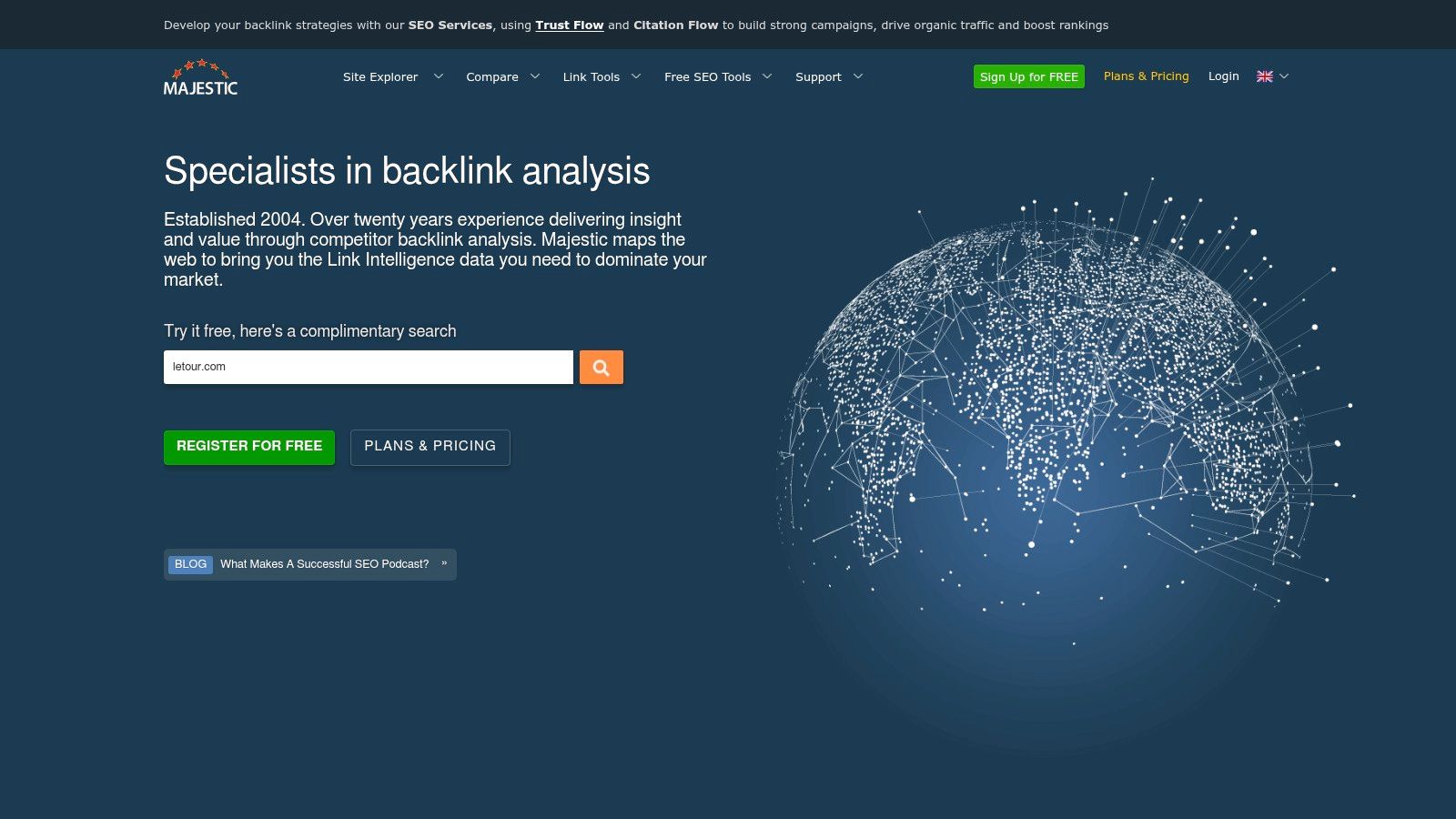
Majestic is a link intelligence platform first and foremost. If backlink analysis is a major part of your work, it's still one of the more distinctive specialist tools available, especially because of its Trust Flow and Topical Trust Flow metrics.
That specialist positioning is important. Majestic isn't trying to be your content suite, local platform, or site crawler. It's for link prospecting, link profile review, competitor comparison, and topical authority mapping.
Best for link-focused SEO work
For agencies doing link audits, outreach planning, or competitive link analysis, Majestic can add a layer of insight that broader suites don't always present as clearly. Fresh and Historic indexes, Link Graph, Link Context, and Clique Hunter make it useful when your main question is who links to whom, why, and in what context.
If backlinks are only a minor part of your workflow, Majestic can feel too specialised. If links are central to your strategy, its data becomes much more valuable.
The weakness is accessibility. The interface is dense, and newer users often prefer the more polished presentation in Ahrefs. Still, for experienced practitioners, Majestic remains one of the better specialist tools for deep link work.
Visit Majestic.
10. SE Ranking
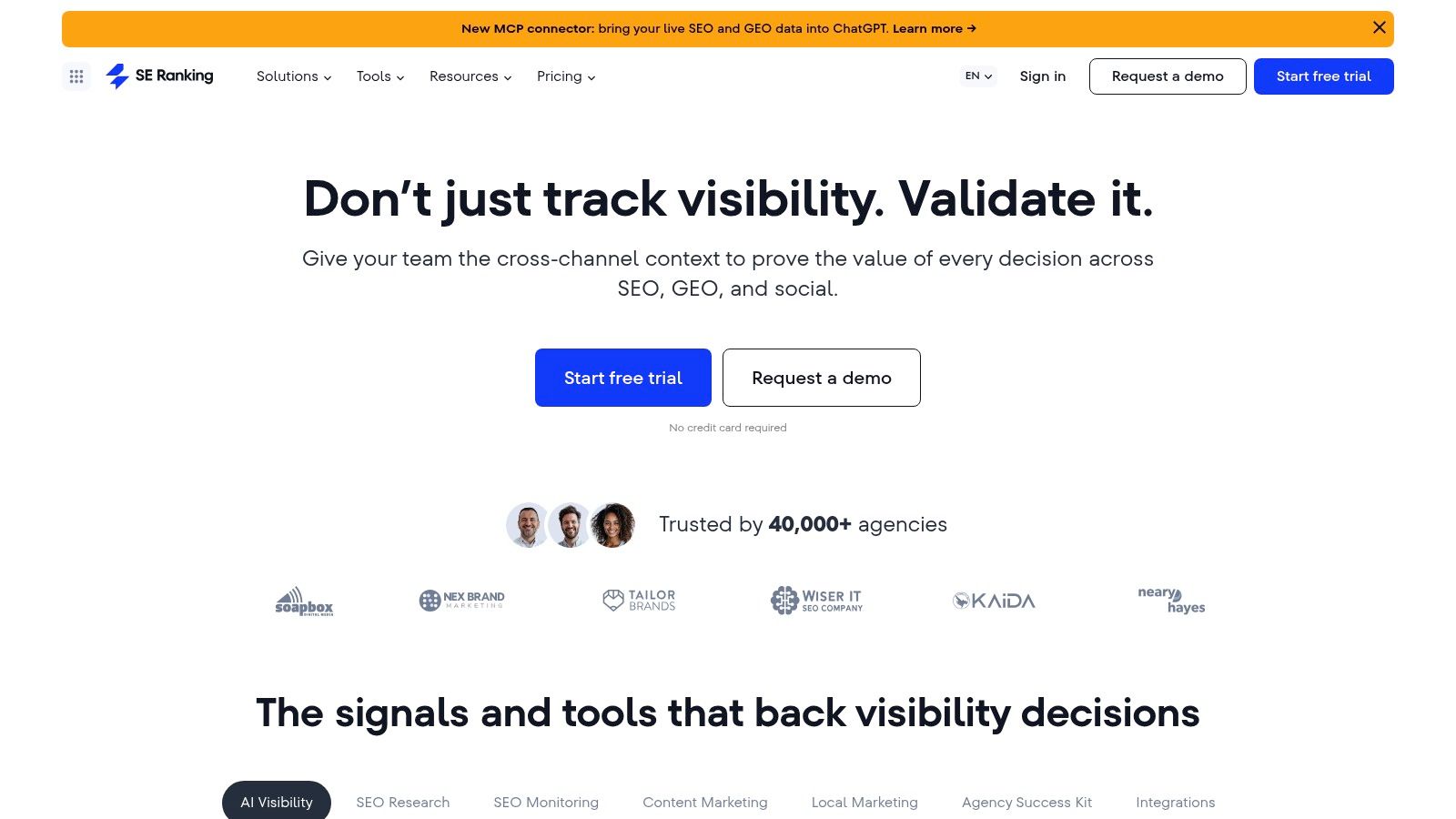
SE Ranking sits in an interesting position. It offers a broad set of SEO capabilities, but buyers usually choose it because it gives them a more cost-conscious route into rank tracking, site audits, research, and reporting than some premium suites.
For growing agencies and SMBs, that balance is attractive. You can cover daily rank tracking, on-page checks, competitor research, backlink monitoring, reporting, and white-label outputs without stepping immediately into top-tier pricing territory.
Best for value-conscious agencies and growing SMBs
SE Ranking is particularly practical when you manage several sites and need clean reporting. Looker Studio integration, API options, white-label reporting, and agency-oriented features give it a stronger operations angle than many lighter tools.
Its value comes with caveats:
- Check current plan limits: Features and allowances can vary by plan and add-ons.
- Not always the deepest in every category: Premium suites still have an edge in some advanced workflows.
- Best when you'll use the breadth: If you only need one narrow function, a specialist tool may be better.
For teams that want one of the most popular SEO tools without committing immediately to the biggest suites, SE Ranking is a sensible middle ground.
Visit SE Ranking.
Top 10 SEO Tools Comparison
Feature lists rarely settle tool decisions. Day-to-day fit does. The table below groups the most popular SEO tools by what they help you do, then shows where each one earns its place for UK SMBs, multi-location brands, and agencies.
| Product | Category | Core use | Quality (★) | Price / Value (💰) | Best for (👥) | Practical edge (✨) |
|---|---|---|---|---|---|---|
| LocalHQ 🏆 | All-in-One Suite | Google Business Profile management, review handling, local rank tracking, reporting | ★★★★★ | 💰 Affordable tiers (Single £29/mo · Multiple £49/mo · Agency £119+/mo) | 👥 UK SMBs, multi-location brands, agencies | ✨ Strong fit for local workflows where profile edits, review replies, and geo-grid reporting need to happen in one place |
| Semrush | All-in-One Suite | Keyword research, backlink analysis, site audits, position tracking, content and PPC support | ★★★★★ | 💰 Feature-rich, but costs rise with add-ons | 👥 Agencies, in-house teams running SEO with paid and content channels | ✨ Broad coverage across search marketing, useful when one team owns several channels |
| Ahrefs | All-in-One Suite | Competitor research, backlink analysis, keyword discovery, content opportunities | ★★★★★ | 💰 Premium pricing, strongest value in research-heavy work | 👥 SEO-led teams, agencies, publishers | ✨ Excellent for link analysis and competitive gap work |
| Moz Pro | All-in-One Suite | Keyword tracking, site crawls, on-page guidance, authority metrics | ★★★★☆ | 💰 Mid-range, easier to justify for smaller teams | 👥 Smaller businesses, junior teams, marketers who want a gentler learning curve | ✨ Simpler onboarding than many larger platforms |
| Screaming Frog SEO Spider | Specialist Platform | Technical crawling, JavaScript rendering, custom extraction, schema checks | ★★★★☆ | 💰 Strong value on a licence model | 👥 Technical SEOs, developers, agencies auditing large sites | ✨ Fast, detailed technical diagnosis that many cloud crawlers still miss |
| Google Search Console | Free Essential | Query data, indexing checks, coverage issues, URL inspection | ★★★★☆ | 💰 Free | 👥 Every site owner and SEO team | ✨ First-party Google data for performance and indexing checks |
| Google Business Profile (GBP) | Free Essential | Listing management, reviews, posts, photos, local presence control | ★★★★☆ | 💰 Free | 👥 Local businesses, service brands, retailers, franchise groups | ✨ Direct control over how a business appears in Search and Maps |
| BrightLocal | Specialist Platform | Local rank tracking, citation work, GBP audits, review management | ★★★★☆ | 💰 Location-based pricing | 👥 Local SEO agencies, UK service businesses, multi-location operators | ✨ Built for local reporting and citation workflows |
| Majestic | Specialist Platform | Link index analysis, Trust Flow metrics, topical backlink review | ★★★★☆ | 💰 Flexible monthly, annual, and API options | 👥 Link analysts, digital PR teams, agencies | ✨ Useful second opinion when backlink quality matters more than raw volume |
| SE Ranking | Specialist Platform | Rank tracking, site audits, on-page checks, reporting | ★★★★☆ | 💰 Value-focused tiers | 👥 Budget-conscious SMBs, growing agencies | ✨ Good operational coverage without premium suite pricing |
A few patterns stand out quickly. All-in-one suites suit teams that want one login for research, tracking, and reporting. Specialist platforms usually do one job better. Free essentials stay in every stack because they show what Google is surfacing and indexing.
For practical buying decisions, the split matters. A UK plumber with three branches does not need the same setup as a national ecommerce team or an agency handling technical audits, local SEO, and link reporting for 20 clients. The best stack is usually a mix: one suite for breadth, one specialist for depth, and Google's free tools as the baseline.
Automate Your Way to Better SEO Rankings
A crowded SEO stack usually creates more admin than progress. The teams that improve rankings consistently tend to use fewer tools, with clearer jobs for each one.
The split in this list helps with that decision. All in one suites cover research, tracking, and reporting. Specialist platforms go deeper on technical audits, local visibility, or link analysis. Free essentials keep you grounded in what Google is indexing, ranking, and showing to searchers.
For broad campaign management, Semrush and Ahrefs still earn their place. Semrush suits agencies and in-house teams that want keyword research, competitor monitoring, content workflows, and reporting in one system. Ahrefs remains one of the better options for backlink analysis and competitor discovery. Moz Pro is easier for smaller teams to learn, while SE Ranking makes sense for businesses that need solid day to day coverage without paying for an enterprise suite.
Specialist tools often produce the clearest gains because they solve one operational problem well. Screaming Frog is still the crawler I would keep for technical work if budget pressure forced a cut elsewhere. BrightLocal fits agencies, service businesses, and multi-location brands that need citation work, local rank tracking, and cleaner local reporting. Majestic is useful when the question is backlink quality, not just link count. Google Search Console and Google Business Profile stay in the stack because they show your own search performance and your real presence in local results.
For UK SMBs and multi-location brands, local SEO usually breaks the standard software shortlist. A national ecommerce workflow is different from the weekly reality for a dental group, estate agency, restaurant chain, or home services business. Those teams need profile edits, review management, local landing page checks, citation accuracy, map pack tracking, and reporting that ties activity back to calls, bookings, or visits.
For that reason, LocalHQ stands out in this list. It is built for the local execution work that repeats every week, especially for UK businesses and agencies managing several locations. Profile updates, scheduled posts, reviews, audits, local rank tracking, and client reporting sit in one place, with AI guidance to help teams decide what to fix next. The trade-off is clear. It is not trying to replace a full national SEO suite for deep content research or large scale backlink analysis. It is designed to make local SEO operations faster and easier to run.
A practical setup often looks like this. Use one all in one suite for research and high level tracking. Add one specialist platform for your main constraint, usually technical SEO, local SEO, or link analysis. Keep Google Search Console and Google Business Profile active as the baseline checks. That mix is usually more useful than paying for overlapping dashboards that nobody reviews.
If your current stack feels bloated or too manual, simplify it. Keep the tools that answer business questions and support action. Drop the ones that produce reports without changing what the team does next.
If local SEO drives your enquiries, LocalHQ gives you one place to manage Google Business Profiles, automate review responses, schedule posts, track rankings with a geo-grid visualiser, and turn local performance data into actions your team can use. Start with the free trial and see how much local SEO work you can take off your manual to do list.