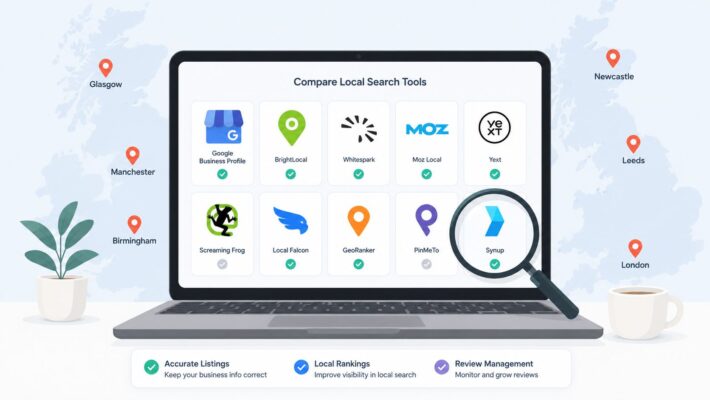
10 Essential Small Business SEO Tools for UK Growth
Checking rankings in one tab, replying to reviews from your phone, and updating your Google Business Profile when you remember. That is how SEO ends up running in many UK small businesses, squeezed between sales, service, and everything else that needs attention.
The problem is not a lack of tools. It is choosing the right tool for the job. Analysts at Grand View Research say the SEO software market is growing fast, which sounds useful until you are the one sorting through platforms that all claim to do everything.
In practice, small business SEO works better when you stop managing it as a pile of disconnected tasks. A local service business usually needs one set of tools for Google Business Profile work, another for technical audits, and a different one for content or rank tracking. Trying to force one platform to cover every job often means paying for features you will not use, while still missing the basics that drive calls, bookings, and footfall.
That is the angle of this guide. These small business seo tools are grouped by the job they do best, with clear trade-offs and a quick implementation tip for each, so a UK business owner can act on the advice instead of just comparing feature lists.
If your priority is local visibility, start with the platforms that improve what customers see in Google Search and Maps, then build from there with a local strategy that converts.
1. LocalHQ
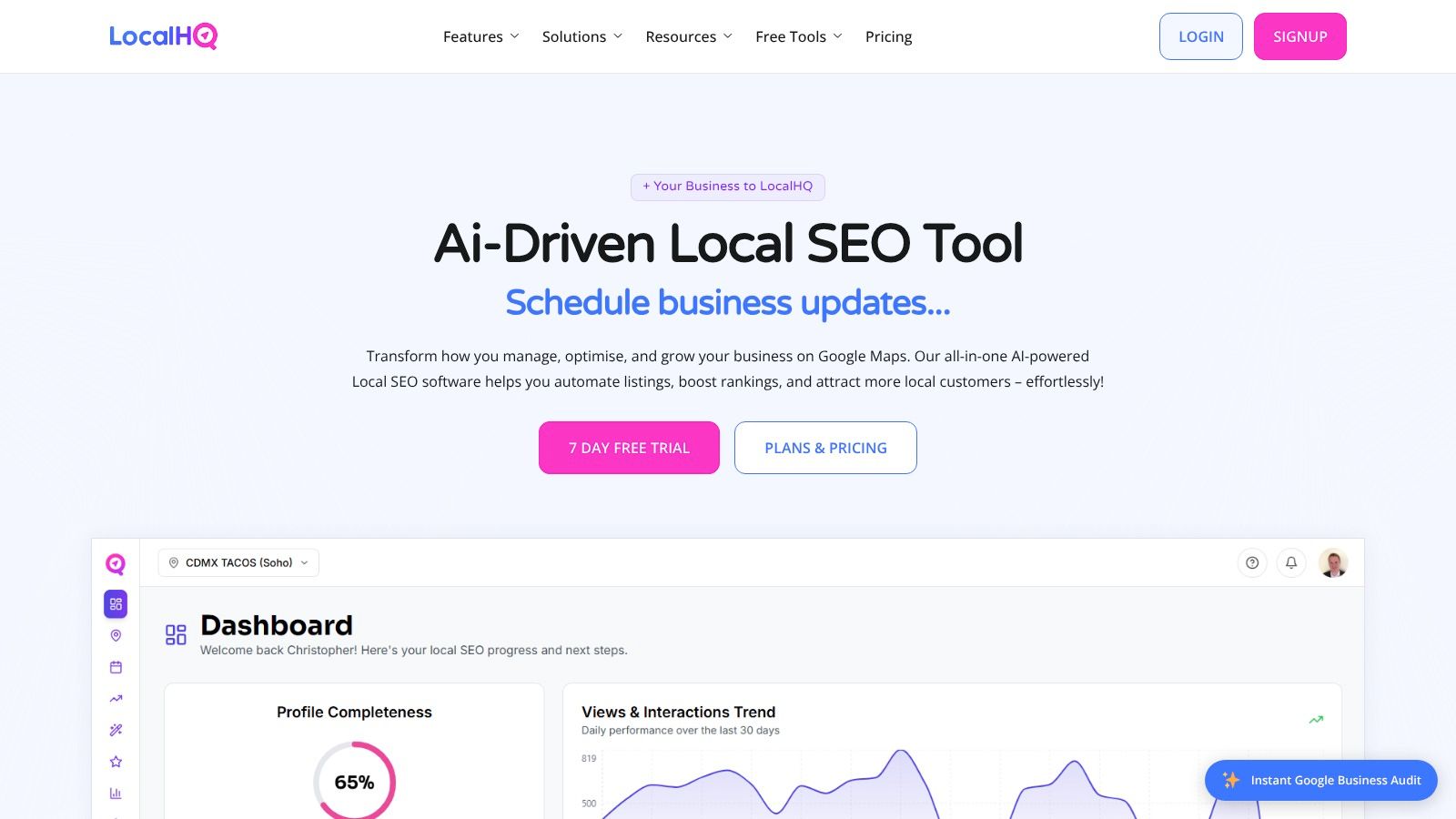
LocalHQ is the tool I'd put first for any UK business that depends on local discovery. If your leads come through Google Maps, branded searches, “near me” intent, or direct profile interactions, this is the kind of platform that removes the admin drag that usually kills consistency.
It's built around Google Business Profile management, and that focus is its strength. Instead of pretending to be an all-in-one suite for everything, it handles the work that local teams and agencies struggle to keep up with. Updating profiles, scheduling posts, syncing content across locations, replying to reviews, checking visibility by area, and turning profile activity into reporting people can understand.
Why it works in the real world
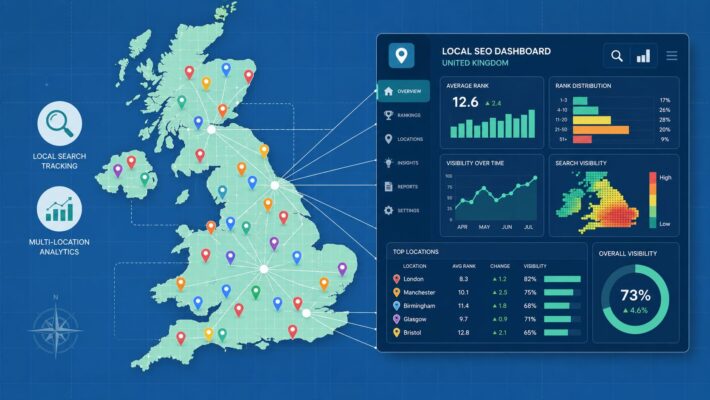
The strongest part of LocalHQ is that it combines automation with local visibility controls. The AI Optimisation Wizard gives practical guidance on categories, keywords and content fixes. The AI Review Autoresponder helps you keep response times tight without sounding robotic if you set your brand tone properly. The geo-grid rank tracker is also useful because average rank figures hide local weak spots. A business can look fine overall while disappearing a few streets away.
For multi-location businesses, this matters even more. Brand consistency usually breaks first in local SEO. One branch has newer photos, another has the wrong services listed, another hasn't posted in weeks. LocalHQ gives you one dashboard for all of it.
Practical rule: If Google Business Profile is already a lead source for you, use software that makes profile management a weekly habit, not a monthly scramble.
There's also sensible pricing for small teams. Single listing plans start at £29 per month, with higher tiers for multiple locations, agencies and enterprise setups, plus a 7-day free trial.
Best fit and trade-offs
LocalHQ is best for:
- Single-location businesses: Restaurants, clinics, salons, trades and local service firms that need more calls and map visibility.
- Multi-location brands: Teams that need central control without manually checking every listing.
- Agencies and consultants: White-label reporting and multi-location management make client work cleaner.
The main limitation is obvious. This isn't your technical SEO crawler or backlink research suite. If you also need deep site audits, link intelligence or broad keyword research, you'll want another tool alongside it.
That said, if local search is your growth channel, this is the sort of platform that keeps effort focused on what produces enquiries. For businesses that want a local strategy that converts, that focus is usually more valuable than an overloaded dashboard full of features they'll never use.
2. BrightLocal
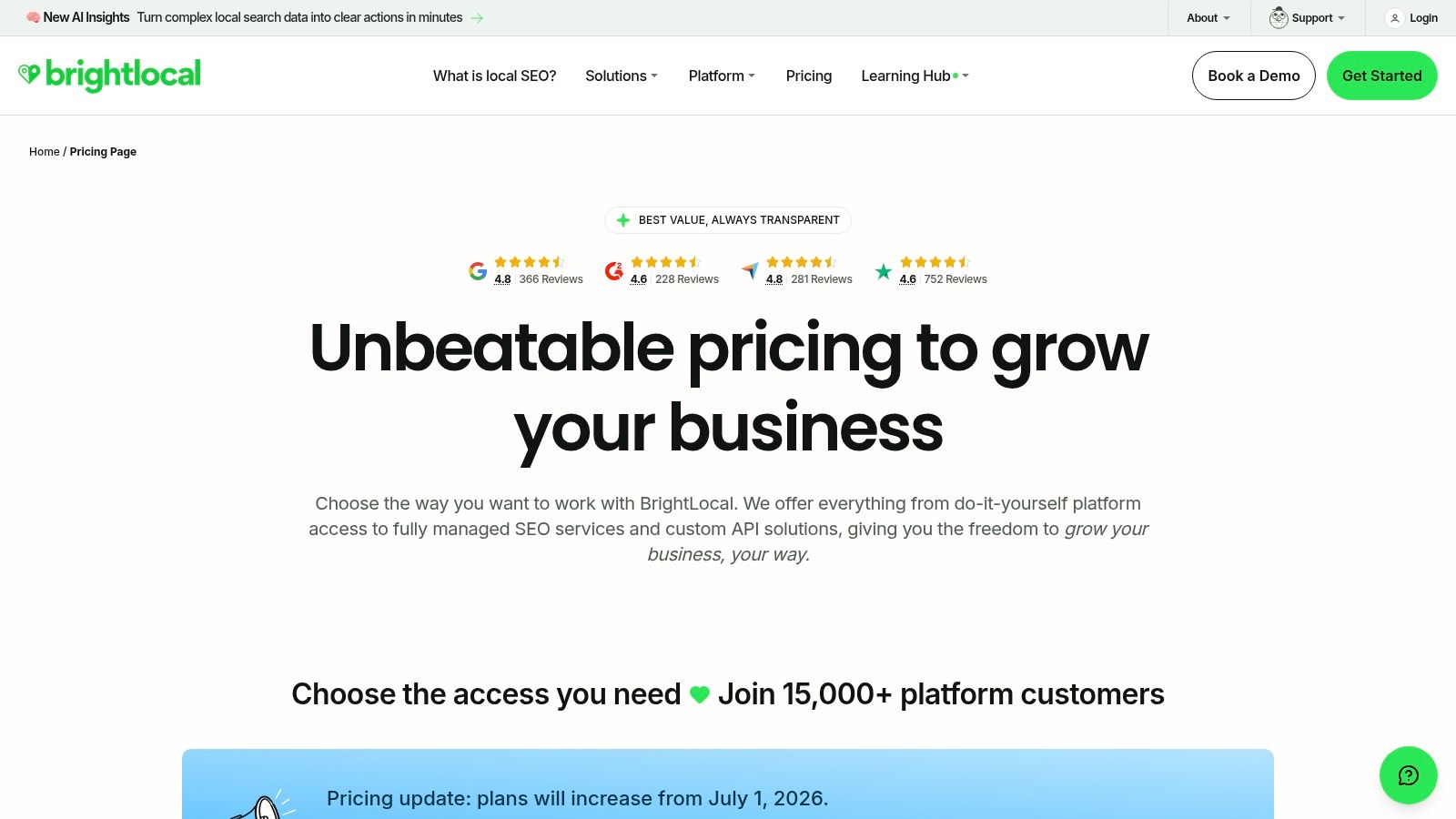
BrightLocal has been a dependable local SEO option for years, and it still earns a place on this list because it's built for local search work rather than trying to stretch across every SEO category.
Its sweet spot is local auditing, rank tracking, listings, and review management. If you run a location-based business or manage client locations, BrightLocal gives you solid local search coverage without the weight of a huge enterprise suite.
Where BrightLocal is strongest
The Local Search Grid is one of the more useful features because it shows how visibility changes by location, not just by keyword. That matters for shops, restaurants and service businesses where rank can differ significantly across a town or city. The Google Business Profile audit tools are also practical. They're good at surfacing incomplete fields, competitor comparisons and obvious gaps.
It also handles citation work, listings sync, Google Posts scheduling, and review monitoring in one place. That makes it a good operational tool, not just a reporting one.
A lot of businesses pair software like this with a clear ethical Google review growth playbook because review volume without a response process rarely helps as much as owners expect.
The trade-off
BrightLocal feels focused, which is good. It also means it won't replace a broader SEO suite if you need technical crawling, serious backlink work, or wider content planning.
A second consideration is pricing visibility. If you prefer self-serve clarity, “price on request” can be frustrating. The software itself is useful, but buyers often want cleaner pricing upfront before committing to a demo or sales conversation.
3. Semrush
Semrush is what you buy when you want one platform to cover most of your SEO and digital marketing workflow. Keyword research, site audits, rank tracking, competitor analysis, backlinks, content workflows, and local add-ons all sit under one roof.
For some small businesses, that breadth is perfect. For others, it's too much too soon.
When Semrush makes sense
If you have an in-house marketer, a consultant, or a team member who can use the platform properly, Semrush can reduce tool sprawl. You can research what competitors rank for, audit your site, track target terms, review backlinks, and build content ideas without bouncing between multiple subscriptions.
That's why it often suits growing businesses better than very early-stage ones. It's also useful if your SEO isn't only local. A business targeting service areas, broader informational content, and category-level pages will get more value from its wider dataset.
Semrush is strongest when you've already got a marketing process and need one platform to support it. It's weaker when you're still figuring out the basics.
Its Local Toolkit can be handy, but I'd still see Semrush as a broader SEO platform first and a local tool second. If your immediate goal is to optimise your local search visibility, there are more specialised options.
What to watch
The biggest drawback is interface overload. New users often pay for a lot and use very little. It's easy to spend more time exploring reports than fixing real issues.
Usage limits also matter. As your team grows, tracked keywords, projects, and add-ons can push you into more expensive tiers. For a small business owner doing basic local SEO, that can be unnecessary overhead.
4. Ahrefs
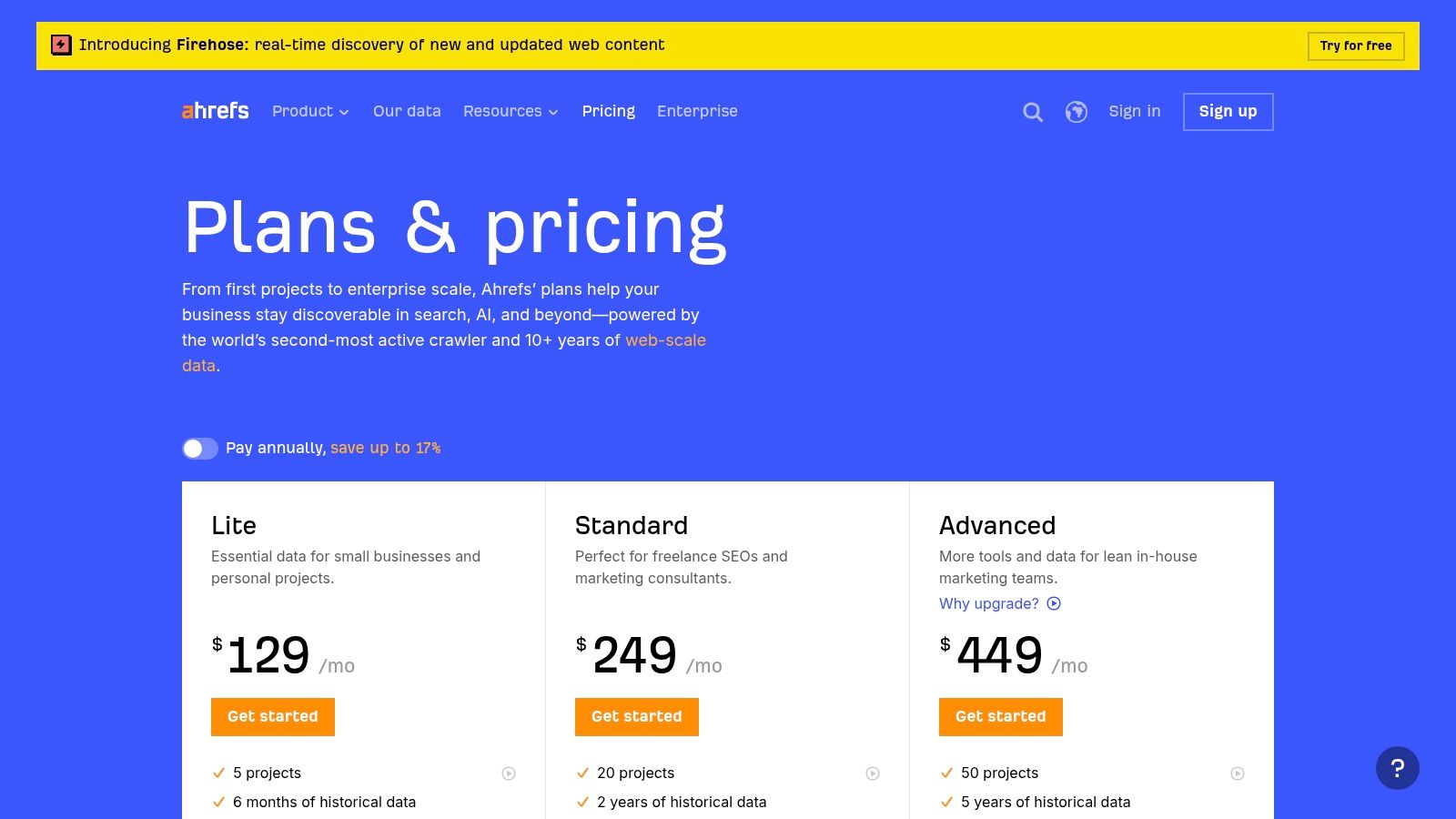
Ahrefs is the tool I'd reach for when the question is competitive intelligence. If you want to know why a competitor outranks you, what links point to their pages, which keywords drive their visibility, or where your content gaps are, Ahrefs is usually one of the clearest places to start.
It's especially strong for backlinks and organic research. That makes it more valuable for businesses competing in tougher search markets than for businesses doing only basic profile-led local SEO.
Best use case for small firms
Ahrefs is ideal when your website needs to do more than support your Google Business Profile. If you rely on service pages, location pages, blogs, or guides to attract search traffic, the platform helps you judge what you're up against.
Its transparent UK pricing in GBP is also a practical plus. A lot of small business owners want to know the cost without a long sales process.
There's also a useful free tier for verified site owners, which can be enough for basic audits and monitoring if you're not ready for a paid account.
Where it can be overkill
If all you need is to improve your local pack presence, citation consistency, and reviews, Ahrefs is often too broad. You're paying for a lot of capability you may not use.
That's why I'd treat Ahrefs as a second-stage tool. Use it when your business wants stronger pages, stronger link signals, and clearer competitor analysis. If your immediate priority is to rank higher in Google Maps local pack, start with a platform built around local actions first.
5. SE Ranking
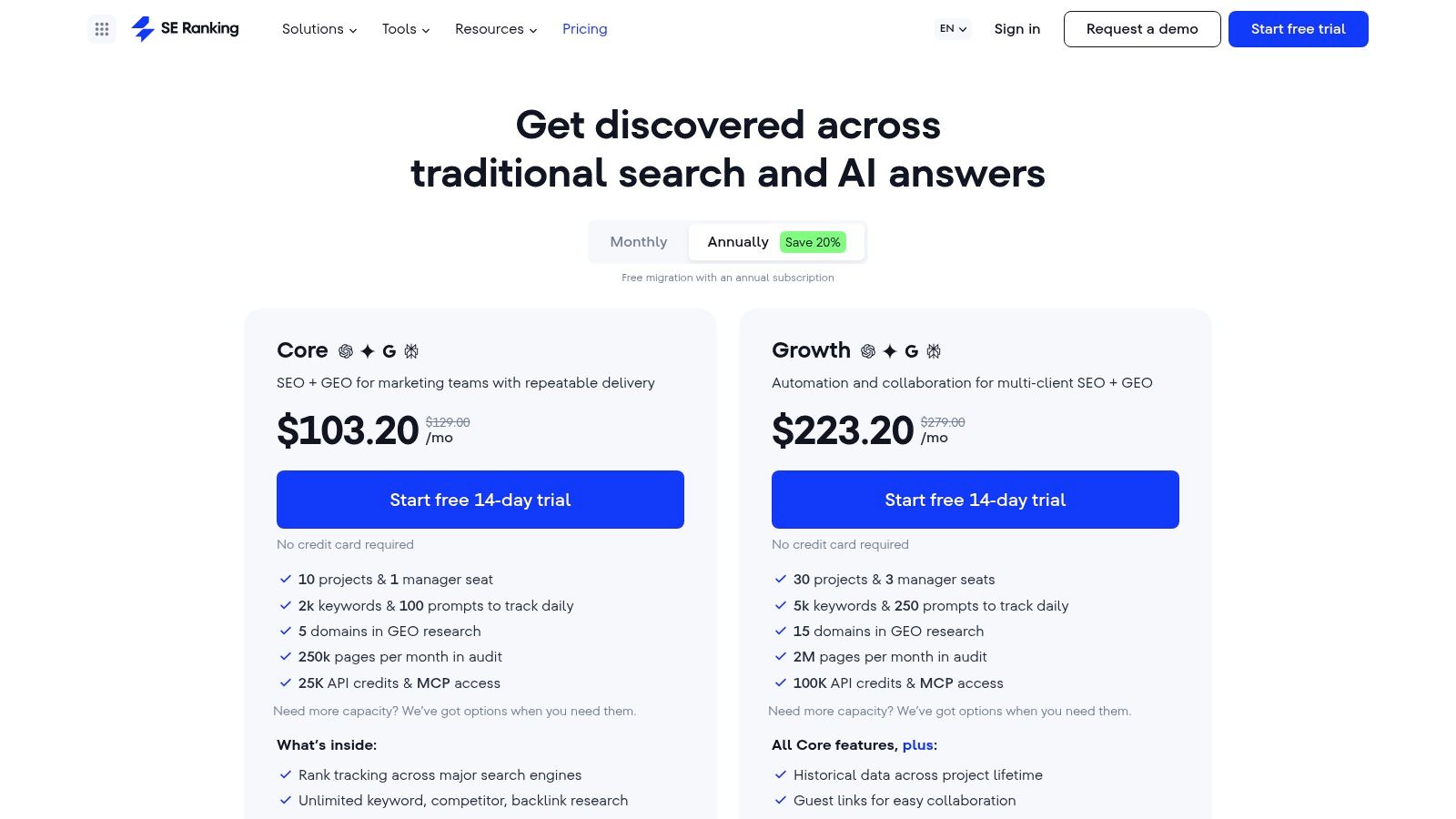
SE Ranking sits in a sensible middle ground. It's broader than local-only platforms, lighter than the largest all-in-one suites, and usually easier for a small team to get comfortable with.
That balance is why many businesses stick with it. You get rank tracking, website audits, keyword research, competitor analysis, content tools, reporting, and integrations with Google Search Console and Google Analytics.
Why small businesses like it
SE Ranking tends to feel manageable. The learning curve is gentler than bigger suites, and the reporting is usually enough for owners, marketers and small agencies without becoming a full-time admin task.
It's also a decent fit if you need both local and broader site SEO. A business with a physical location and a growing content strategy often needs that mix. You can monitor local rankings, audit pages, and keep tabs on competitors without subscribing to multiple heavyweight tools.
The main limitation
The trade-off is data depth. For many small businesses, that won't matter. But in very competitive sectors or niche long-tail work, larger platforms can surface more detailed opportunities.
Some features also sit behind higher tiers or add-ons, including API access. That's fine for most owner-led teams, but worth checking before you assume everything is included.
6. Screaming Frog SEO Spider
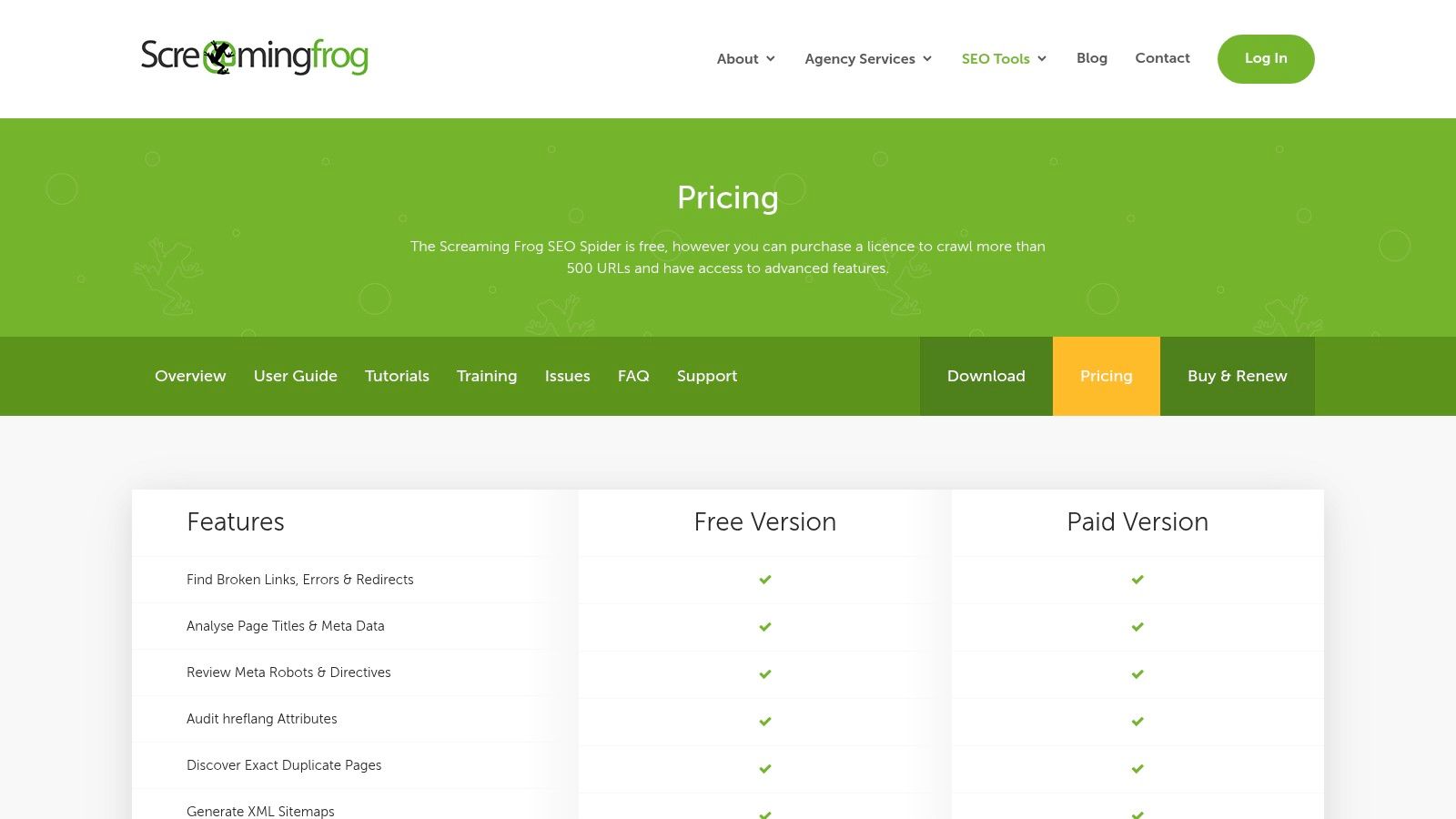
Screaming Frog SEO Spider is not flashy, and that's partly why it's so useful. It tells you what's broken on your site. Broken links, redirect chains, missing titles, duplicate metadata, crawl issues, rendering problems, and structured data checks. No fluff.
For technical SEO, it's one of the most practical small business seo tools you can buy.
What it's good for
If your site has grown over time, there's a good chance small technical issues are piling up. Screaming Frog helps you find them fast. It crawls the site like a search engine would and lets you export what needs fixing.
That's especially useful for service businesses that have added pages without much governance. Old location pages, retired offers, image issues, redirected URLs, duplicate page titles. These problems are common, and they hurt performance even when the content itself is decent.
One useful habit: run a crawl before any major site redesign or migration. It's far easier to preserve SEO value when you know what exists.
Where it falls short
This is desktop software, not a slick cloud dashboard. It expects you to know what you're looking at, or to learn quickly. For beginners, that can be a barrier.
It also depends on your machine. Larger crawls need enough RAM and processing power. And there's no built-in cloud collaboration in the way some newer platforms offer.
Still, if you want clean technical visibility without paying monthly for an all-in-one suite, Screaming Frog remains a strong choice.
7. Sitebulb
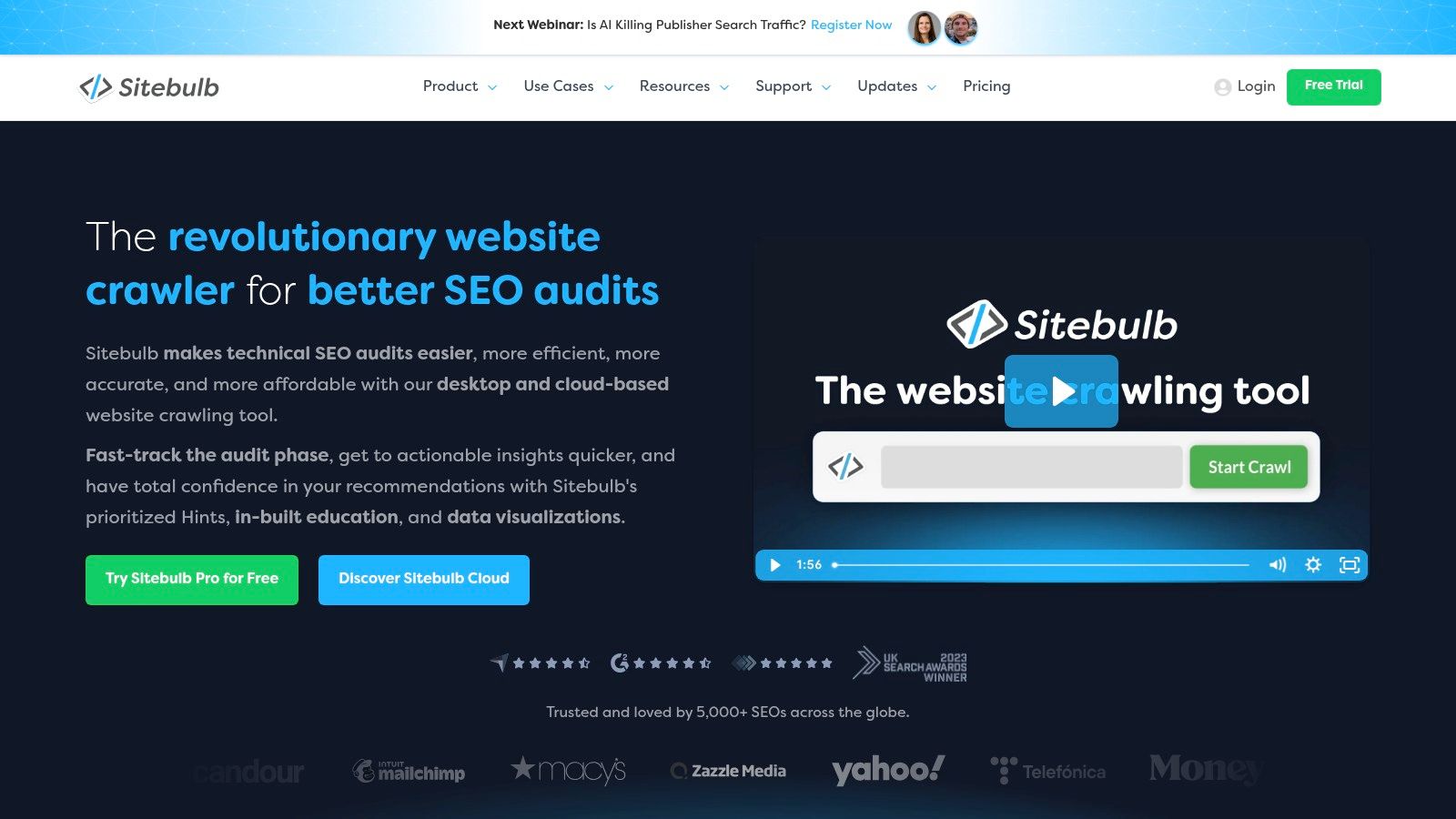
Sitebulb tackles a similar problem to Screaming Frog, but with a different personality. It's still a technical crawler, but it's more visual, more guided, and often easier for non-specialists to interpret.
That matters if you want technical insight without feeling like you've opened a developer tool by mistake.
Why teams choose Sitebulb
The “Hints” system is what makes Sitebulb stand out. It doesn't just tell you there's an issue. It gives you more context about why the issue matters and what to investigate next. For freelancers, in-house marketers and small agencies, that can speed up decision-making.
The desktop product works well for normal site audits, and the cloud or server options make it more appealing for collaborative teams or large-scale crawling.
Practical fit
Sitebulb is a strong option if you know you need technical SEO help but don't want to decode endless exports manually. The visual reporting can also help when you need to explain issues to clients or internal stakeholders who don't speak SEO jargon.
The trade-off is cost structure and setup. Desktop is straightforward enough, but cloud pricing and larger deployments can become a sales conversation rather than a quick self-serve purchase. For very small businesses, that may be more than they need.
8. Surfer
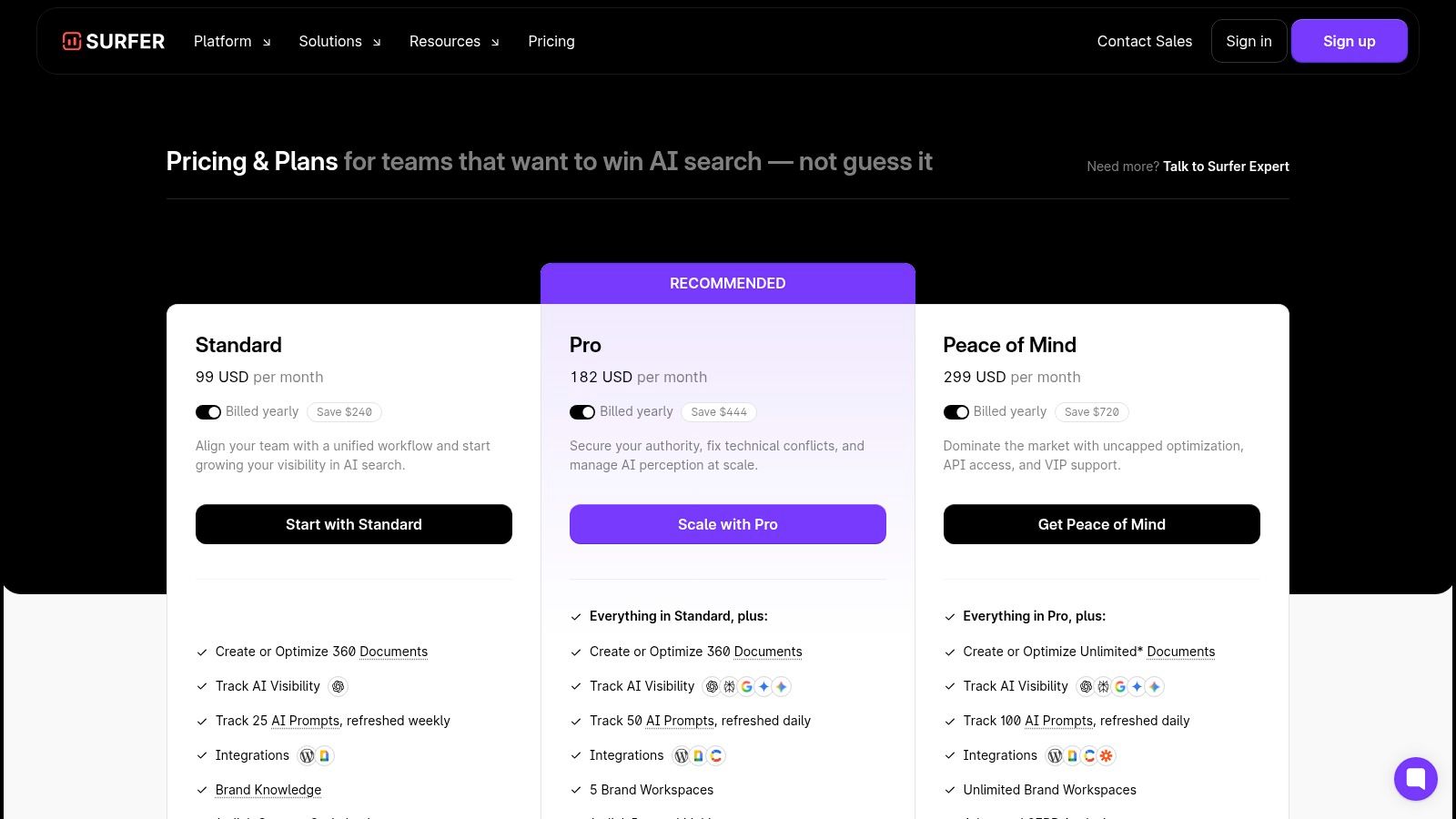
Surfer is a content optimisation tool first. If your growth plan includes writing service pages, blog articles, landing pages, or location content, Surfer can help you tighten those pages against what's already ranking.
It's not a complete SEO stack. That's both the point and the limitation.
What Surfer does well
The Content Editor is the main draw. You write inside a live environment that compares your page against ranking results and suggests headings, terms, structure and topical coverage. For content teams, that's useful because it turns vague optimisation advice into something writers can apply.
The audit feature is also handy for older content. If you've got pages slipping over time, Surfer can help you spot what needs expanding or refreshing.
Where people misuse it
The common mistake is treating the content score like the goal. It isn't. A page can hit a nice score and still be mediocre if the offer is weak, the page doesn't answer the actual query, or the writing sounds forced.
Good content optimisation improves clarity and coverage. It shouldn't make your pages read like they were assembled by a machine.
Surfer works best when you already know the keyword and intent you're targeting. It doesn't replace technical SEO, local profile work, or backlink research. Think of it as a specialist layer in your stack, not the whole stack.
9. Yoast SEO for WordPress
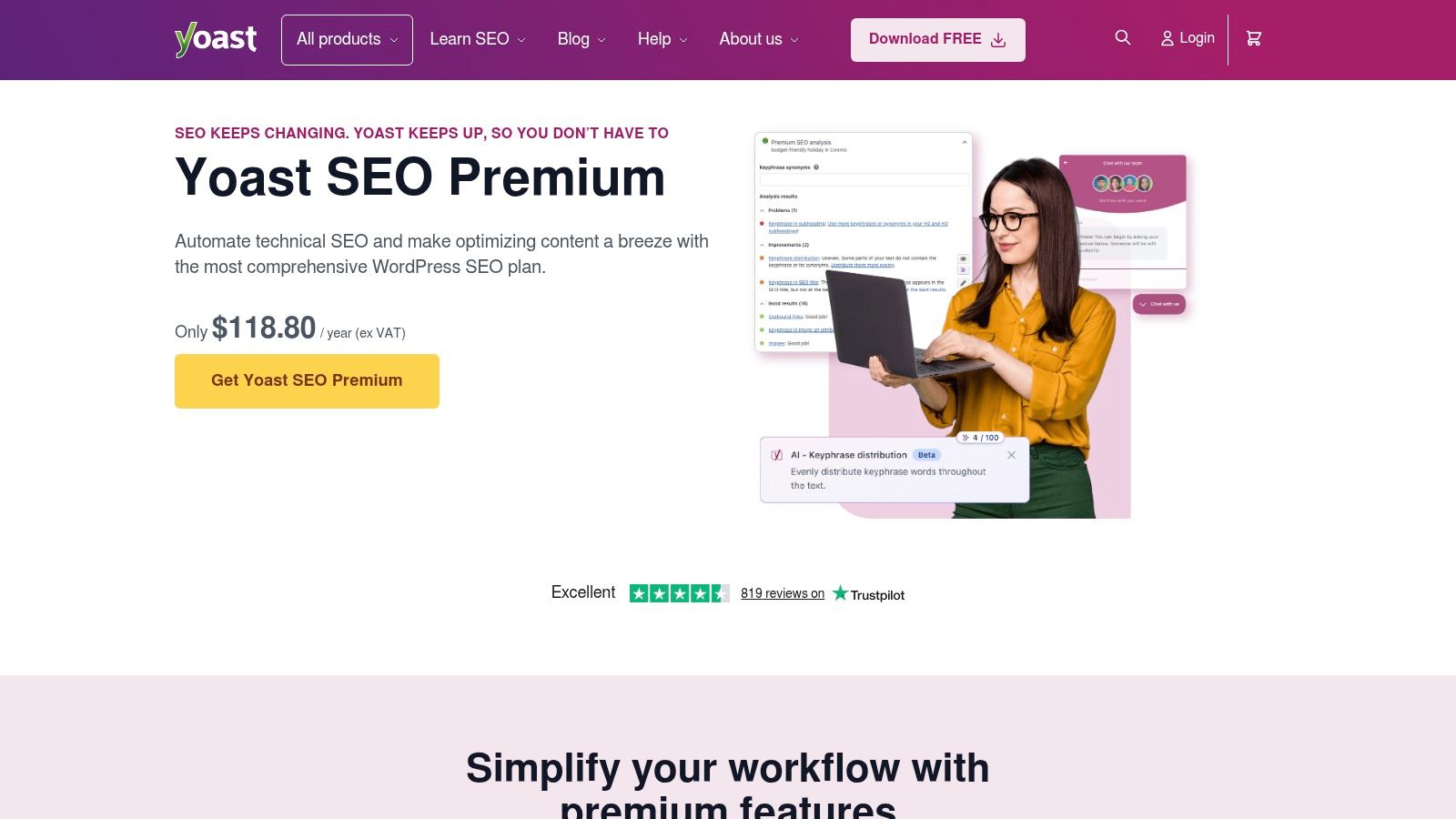
Yoast SEO stays popular because it solves a very common small business problem. A lot of owners and marketing teams run WordPress sites, publish content themselves, and need basic SEO controls directly inside the CMS.
That's exactly what Yoast does well.
Where Yoast earns its place
It gives editors immediate guidance on titles, descriptions, readability, schema basics, XML sitemaps, redirects, and internal linking support. For teams without a dedicated SEO specialist, that's useful because it lowers the chance of obvious on-page mistakes.
The local, video and news add-ons can also be useful depending on the site type, though not every business needs the full bundle.
What it won't do
Yoast helps you optimise what's already on your site. It doesn't tell you what competitors are doing, where you rank across a town, how strong your backlink profile is, or whether your Google Business Profile is underperforming.
That's why I see Yoast as a workflow tool, not a strategy tool. If you use WordPress, it's often worth having. Just don't expect it to carry your whole SEO effort on its own.
10. Whitespark
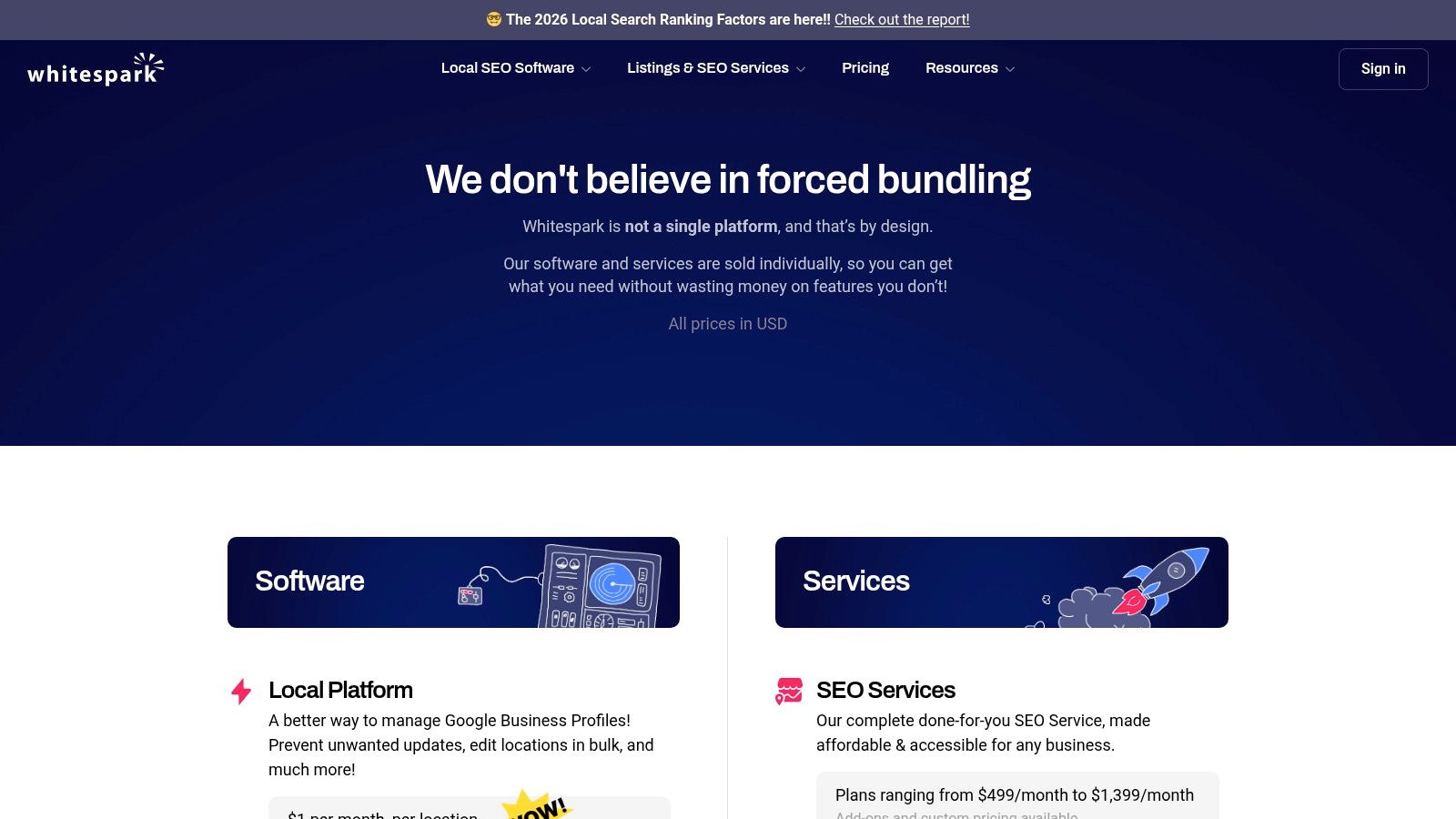
Whitespark is a good fit for businesses that want modular local SEO tools instead of one large subscription. It's particularly well known for citation work, local rank tracking, geo-grids, review tools, and lightweight Google Business Profile management.
That modular pricing is its biggest strength. You can start small and pay for the parts you need.
Best use case
If your local presence is messy, Whitespark is useful. Citation building and cleanup still matter for many local businesses, especially where name, address and phone details have drifted across directories over time. Their local rank tracking and geo-grid tools are also practical for seeing how visibility changes across an area.
For businesses new to citation work, it helps to understand digital breadcrumbs for local search before buying services or software. That context makes it easier to decide whether citation cleanup is urgent or just nice to have.
Drawbacks to expect
Whitespark isn't an all-in-one platform. If you need broad SEO research, technical crawling, content support and local profile management together, you'll end up combining it with other tools.
The experience can also feel a bit segmented because different modules handle different jobs. That isn't a deal-breaker, but it does matter if you want one unified dashboard for everything.
Top 10 Small Business SEO Tools Comparison
| Product | Core focus / Unique features (✨) | UX & Quality (★) | Pricing / Value (💰) | Target audience (👥) |
|---|---|---|---|---|
| LocalHQ 🏆 | AI GBP optimisation, geo-grid rank tracker, review autoresponder, white‑label reporting ✨ | ★★★★★, intuitive dashboard, automation | 💰 £29–£119/mo (Single → Agency); Enterprise custom; 7‑day trial | 👥 SMBs, multi‑location brands, agencies |
| BrightLocal | GBP audits, Local Search Grid, listings sync, review campaigns ✨ | ★★★★, agency-ready, mature tools | 💰 Modular; some plans POA (price on request) | 👥 SMBs & agencies needing local reporting |
| Semrush | All‑in‑one SEO suite + Local Toolkit, deep datasets ✨ | ★★★★, comprehensive but complex | 💰 Mid–high; usage limits may require upgrades; trial often available | 👥 Marketers, in‑house SEO teams, agencies |
| Ahrefs | Backlink & keyword intelligence, Site Explorer, rank tracking ✨ | ★★★★, excellent data depth | 💰 Mid–high; clear tiered pricing (GBP) | 👥 SEO pros, competitive researchers |
| SE Ranking | Rank tracking (local), audits, content tools, API option ✨ | ★★★★, SMB-friendly, easy onboarding | 💰 Budget-friendly tiers; flexible limits | 👥 SMBs, small agencies |
| Screaming Frog SEO Spider | Fast desktop crawler, JS rendering, custom extraction ✨ | ★★★★, power-user technical auditor | 💰 Low-cost licence; high value for audits | 👥 Technical SEOs, devs, consultants |
| Sitebulb | Visual audits, actionable Hints, Cloud & Desktop options ✨ | ★★★★, approachable, educational reports | 💰 Desktop/cloud tiers; scalable pricing | 👥 Freelancers → enterprise auditing teams |
| Surfer | Content Editor, Topical Maps, content audit workflows ✨ | ★★★★, writer-friendly workflows | 💰 Modular add-ons (rank/AI); can increase costs | 👥 Content teams, SEO copywriters |
| Yoast SEO (WordPress) | On‑page checks, schema, sitemaps, redirects, AI titles ✨ | ★★★★, familiar for editors | 💰 Free + Premium bundles (Local/Video/News) | 👥 WordPress SMBs, editors |
| Whitespark | Citation building/cleanup, local rank grids, reputation tools ✨ | ★★★★, trusted local tools | 💰 À‑la‑carte per tool; transparent pricing | 👥 Local SEOs, agencies, SMBs |
Your Next Step From Tools to Tangible Results
It's Monday morning. A customer has left a one-star review on your Google Business Profile over the weekend, your opening hours are wrong on one directory, and nobody has checked whether you still appear in the map pack outside your town centre. That is how local SEO usually breaks for small UK businesses. Not through one dramatic problem, but through small tasks that get missed week after week.
Results come from matching the tool to the job, then using it consistently. A common mistake is buying a broad SEO platform because it looks like the professional choice, then barely touching most of the features while the local basics keep slipping.
For a Bristol plumber, Leeds dentist, or Glasgow solicitor, those basics are not minor admin. They affect calls, direction requests, quote forms, and whether the business shows up when someone searches with local intent. If local search drives the enquiry pipeline, start with tools that help you manage Google Business Profile, reviews, listings, and area-level visibility before you spend heavily on wider keyword or competitor suites.
That practical shift matters because SEO is no longer an experimental channel for small businesses. As noted earlier, adoption is strong and businesses that put measurement in place tend to keep investing because they can connect the work to real outcomes. Owners are far more likely to stick with SEO when they can see profile views, calls, rankings, and lead trends in one reporting view.
UK firms still have to make these decisions with limited UK-specific tool adoption data. The market guidance is often global or US-led, which is not always useful if you are trying to rank in Reading, not nationwide. That makes tool selection more about fit than feature volume. Choose the software that removes a real bottleneck in your weekly workflow.
For many small businesses, that bottleneck is local execution. Reviews need replies. Listings need updates. Service areas need checking. Reporting needs to be simple enough that someone does read it. Good software reduces that manual load and gives you a repeatable process instead of a pile of half-finished tasks in email, spreadsheets, and staff memory.
If Google Business Profile management is the weak point, fix that first. It is usually the quickest route to visible gains for a local business.
Ready to make that easier? See how LocalHQ's AI Review Autoresponder can craft on-brand replies in seconds, protecting your reputation 24/7. If you're still piecing together a low-cost stack, this guide on optimizing local service websites for free can help you cover the basics without overcommitting.
If local search is where your customers find you, LocalHQ is one of the simplest ways to turn profile management into a repeatable growth system. Use it to keep listings accurate, automate review replies, track visibility by area, and spend less time on manual updates that never quite get done.